
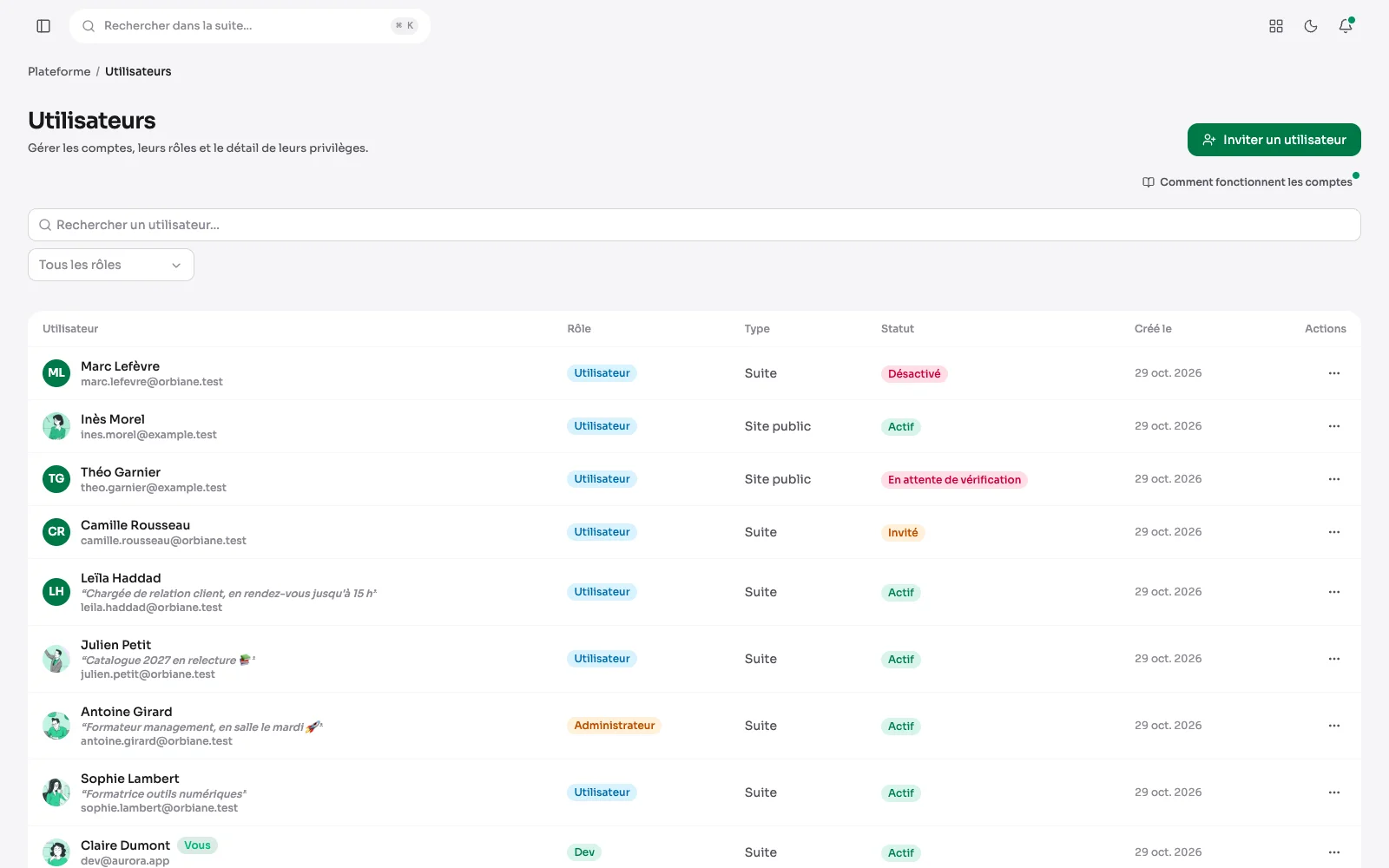
Giving someone access should not mean giving them everything. In Aurora an account carries a role and a list of privileges, and the side menu shows only what is open to it.
The administration's accounts
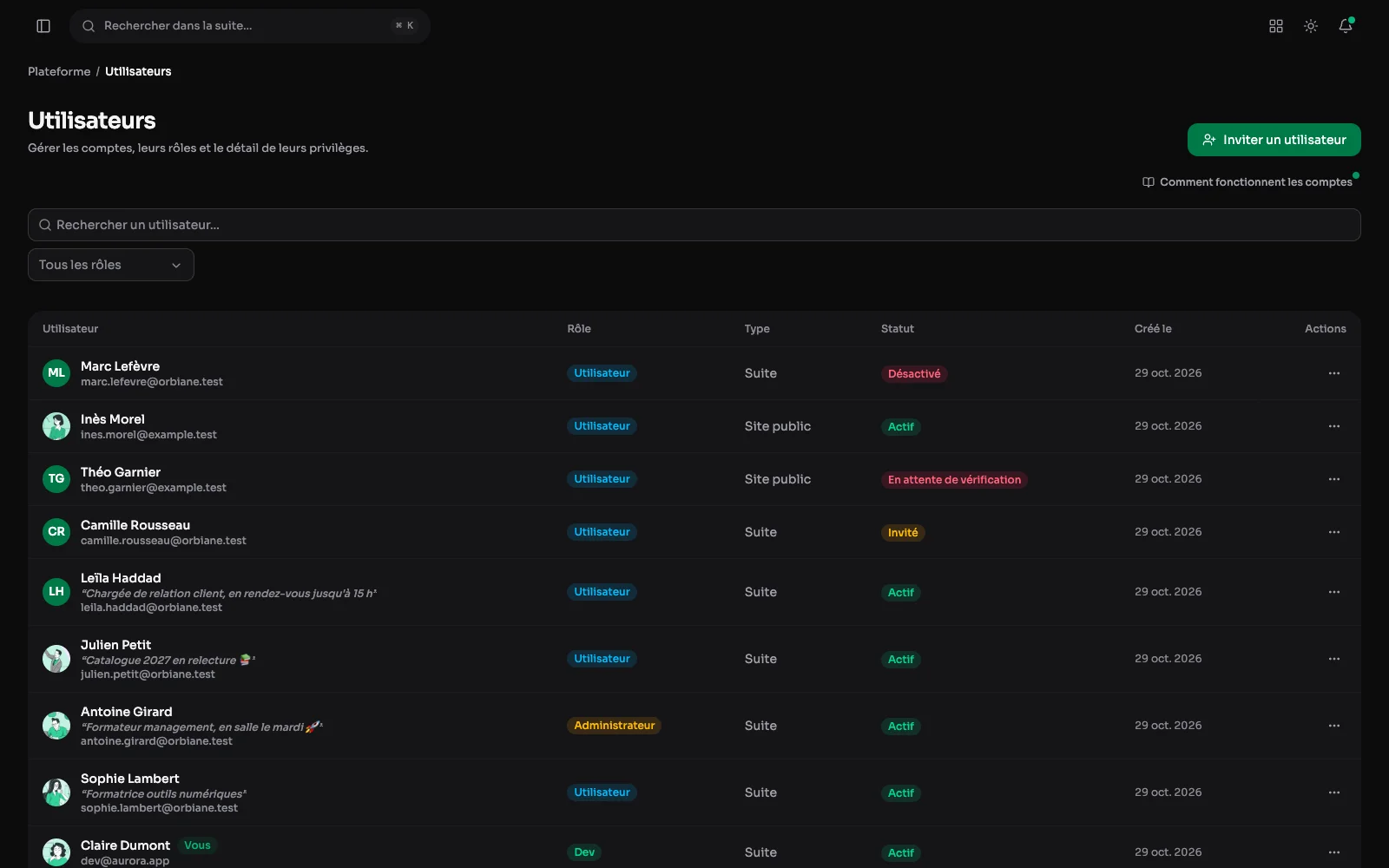
Each account with its role, type and status. Invitations go out by email, and a role is set without touching the rest.
Privileges: screen by screen, action by action
Privileges per screen and per action: view, create, edit, delete. This account can only touch the media library. So a client can write without touching the settings, and their intern can write without being able to publish.
Changing an account's privileges
The same boxes are ticked account by account. Here, Sophie Lambert, who could only touch the media library, is given the right to view, create and edit publications. Nothing changes until it is saved.
Hiding modules from one person
An account's panel also has a tab for its module access: the tree of sections and their screens, each with its box. Unticking a module hides it from that person only, and unticking a section hides everything inside it.
The profile: everyone has their own
A photo, shown in the sidebar and in the list of accounts, then their name, email address and password, which they change themselves. Each person also picks the language of the admin, whatever the language of the site, and a mood line to tell the team where they are at.
The sidebar: arranged your way
Each person can hide a section or a module they do not use, give a section a colour, collapse the menu. Here, the General section has a colour and the trash is hidden. What is hidden stays reachable by its address: it only tidies up, and permissions stay the same.
Inviting someone
A name, an address, the account type and its role, the lowest one offered by default, and a message. The account can be created disabled, for someone who only joins later.
Signing in
The address and password, five attempts every fifteen minutes, and two ways in for someone without an account: ask for access, or recover a forgotten password through a link that expires.
The forgotten password
An address, and a link that expires goes out by email. The page says the same whether the address exists or not: it cannot be used to find out who has an account.
Editing an account
An account opens in a panel beside the list, one tab per task: its profile, its details, its privileges, its access to modules. Its photo, name, address, role and manager, and a new password if needed: left empty, the old one stays. An account is disabled from its row, without being deleted.
Access, from invitation to deletion
- An email invitation, with the account created disabled if needed.
- Email verification and password reset.
- An audit log: who changed what, and when.
- The ability to stand in an account to check what it sees.
- Access requests: from the sign-in page, someone asks for an account with a message, and an administrator accepts or declines it. A setting turns them off.
- Deleting one's own account, refused to the last developer of the instance so that it is never left without an administrator.