
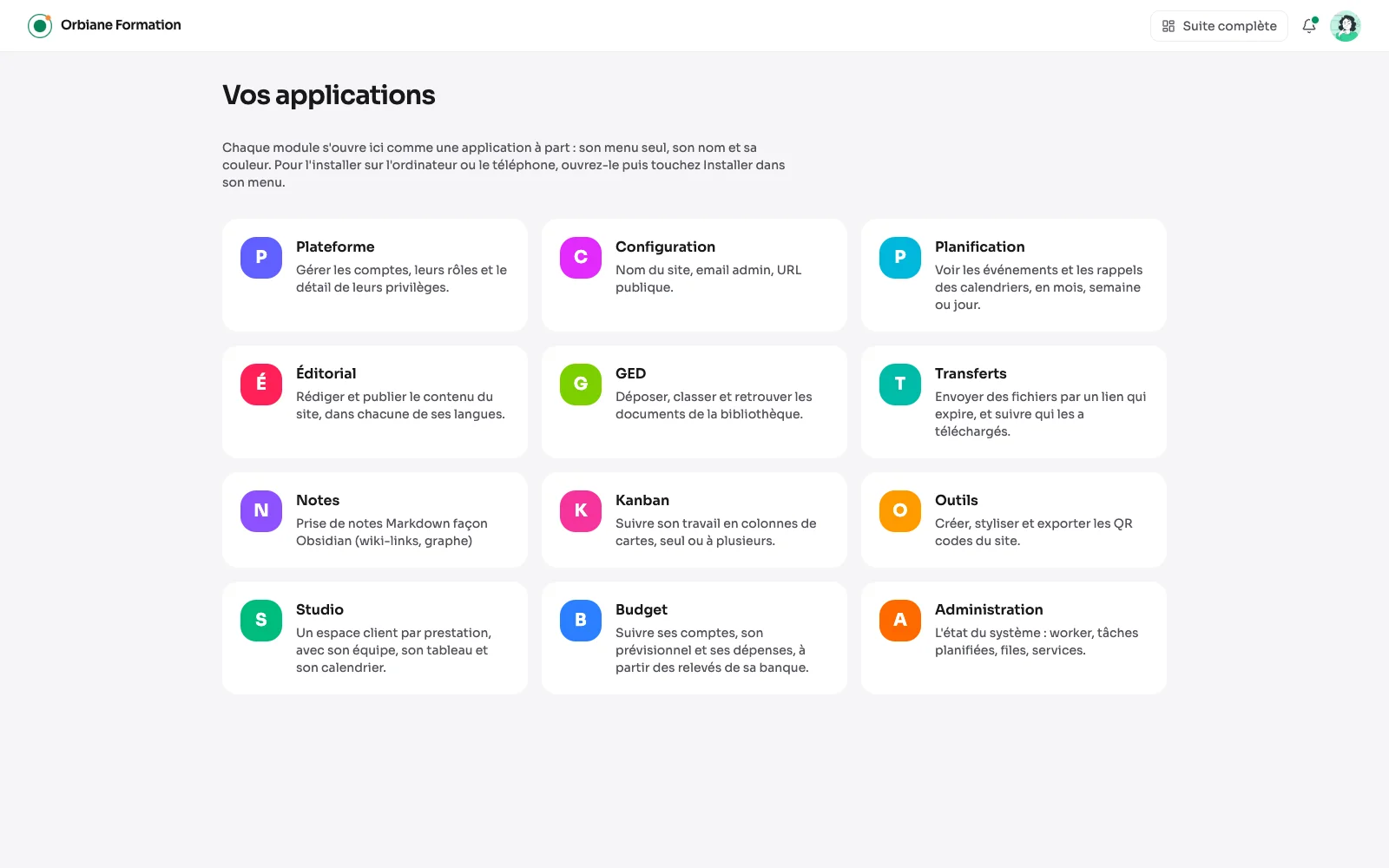
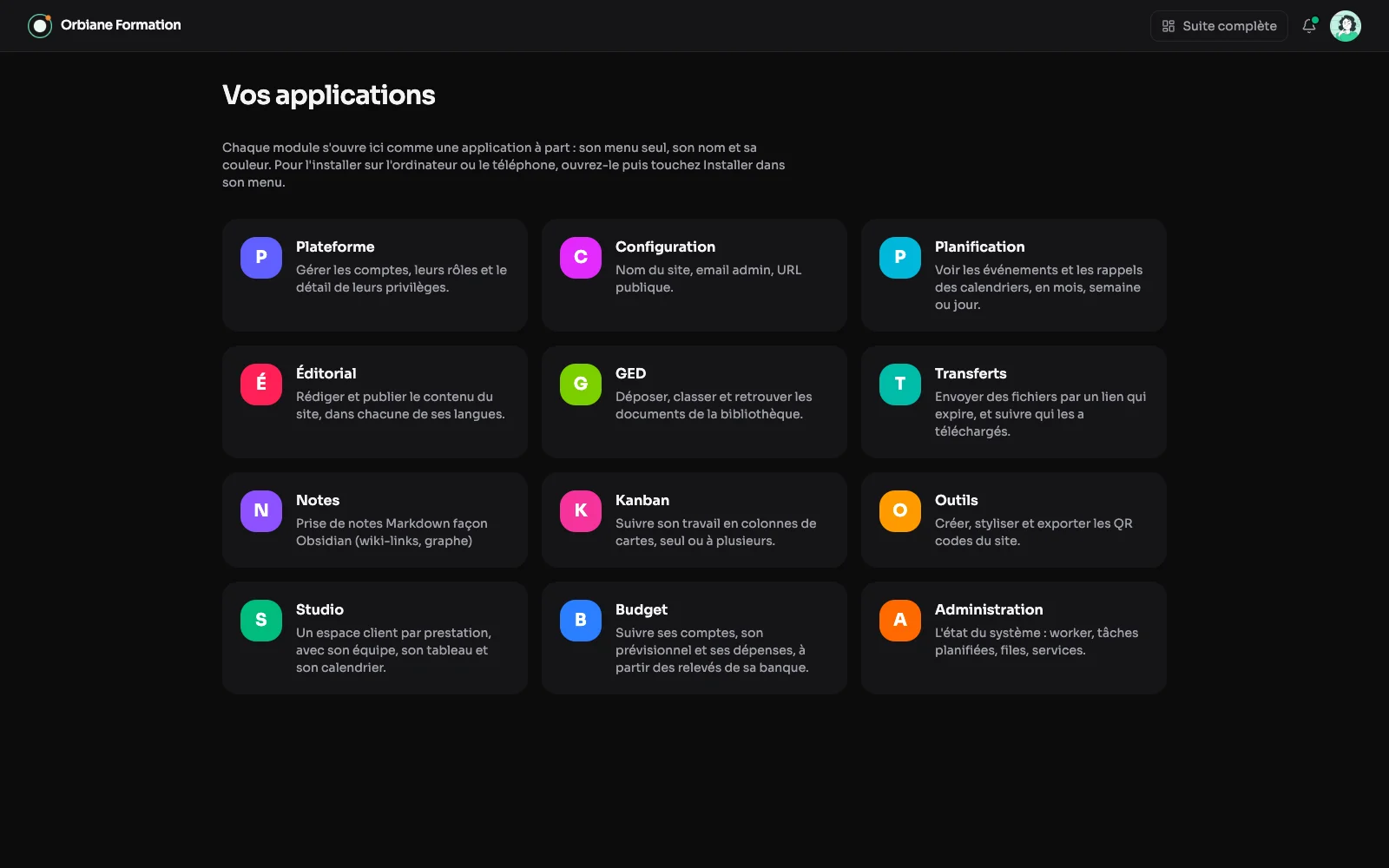
Every module with a menu of its own also opens as an application of its own: its menu alone, its name and its colour, without the rest of the suite. A launcher gathers them, and each one installs on a computer or a phone like a real application.
The launcher
Each module with a menu of its own opens here as an application of its own: one tile per module, its initial on its colour. You reach it from the grid in the top bar, from any page of the suite.
One module, on its own
Opened from the launcher, a module shows only its own menu: its name and colour in the site's place, and a single way out, to the launcher. Installed from the browser, it has its own icon on the computer or on the phone's home screen.
What is offered
In the settings, you switch the applications on or off, choose the modules the launcher offers, and can open the launcher right after logging in, instead of the dashboard.