
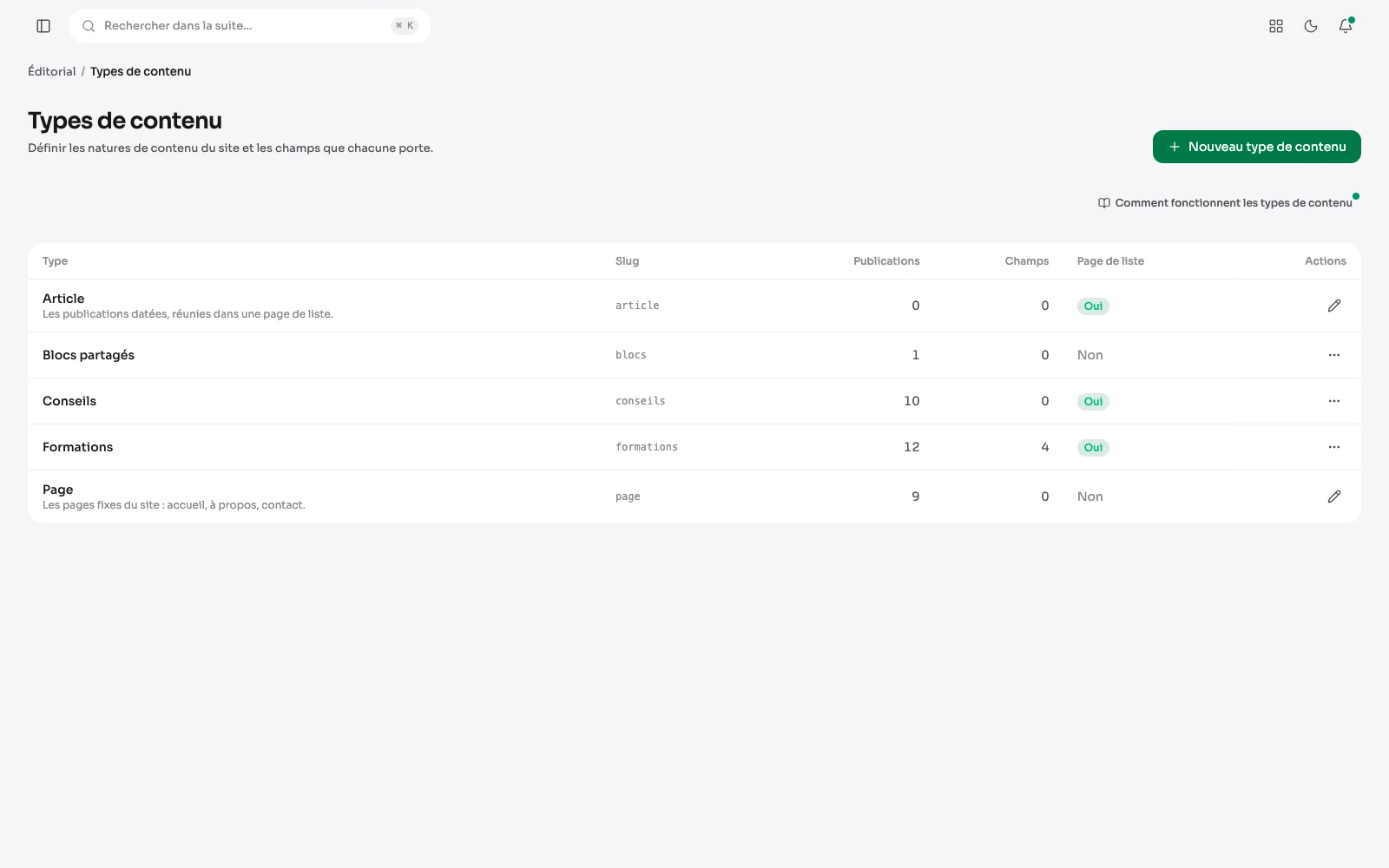
A site is not only pages and articles. An agency has projects, a restaurant has dishes, a photographer has series. A content type is created in the suite, and carries the fields it needs.
A content type and its fields
The Formations type and its custom fields: level, length, price, seats per session. Each field has its type, and the post offers them for input.
A type and its custom fields
Each type carries its custom fields: number, text, link, email, date, select, checkbox. For each field, you say whether it is required, and whether it follows the language. This is the difference between bending a site to the tool and bending the tool to the site.
A blog, with no separate module
Four boxes are enough to turn a content type into a blog: the publication date, the author, related posts and the category filter. They are ticked type by type: an article is dated and signed, a showcase page stays as it is.
The blog page and its search
At the top of the page listing the articles, a search field and filters; without them, the categories that hold at least one published article show as links to their page. Each card carries its date, and the most recent come first.
Search, then filter
With the “Search and filters” box, the blog page gets a search field and one select per filter: section, author, period and order. Past ten choices, you type to find an author or a section. The filtered list keeps its address: it can be shared and paged through like any other.
Dated and signed
Under the title, the publication date, the author's name and the reading time. An article changed on a later day says so too. Search engines receive the author and the dates in the page's structured data.
And after reading
At the foot of the article, its sections lead to the other articles filed there, and a “Read next” row offers, as cards, the articles picked in the editor.
What else a type defines
- Its name, its address, and whether it has a page listing everything it holds.
- The taxonomies attached to it.