 Axel Raboit EI
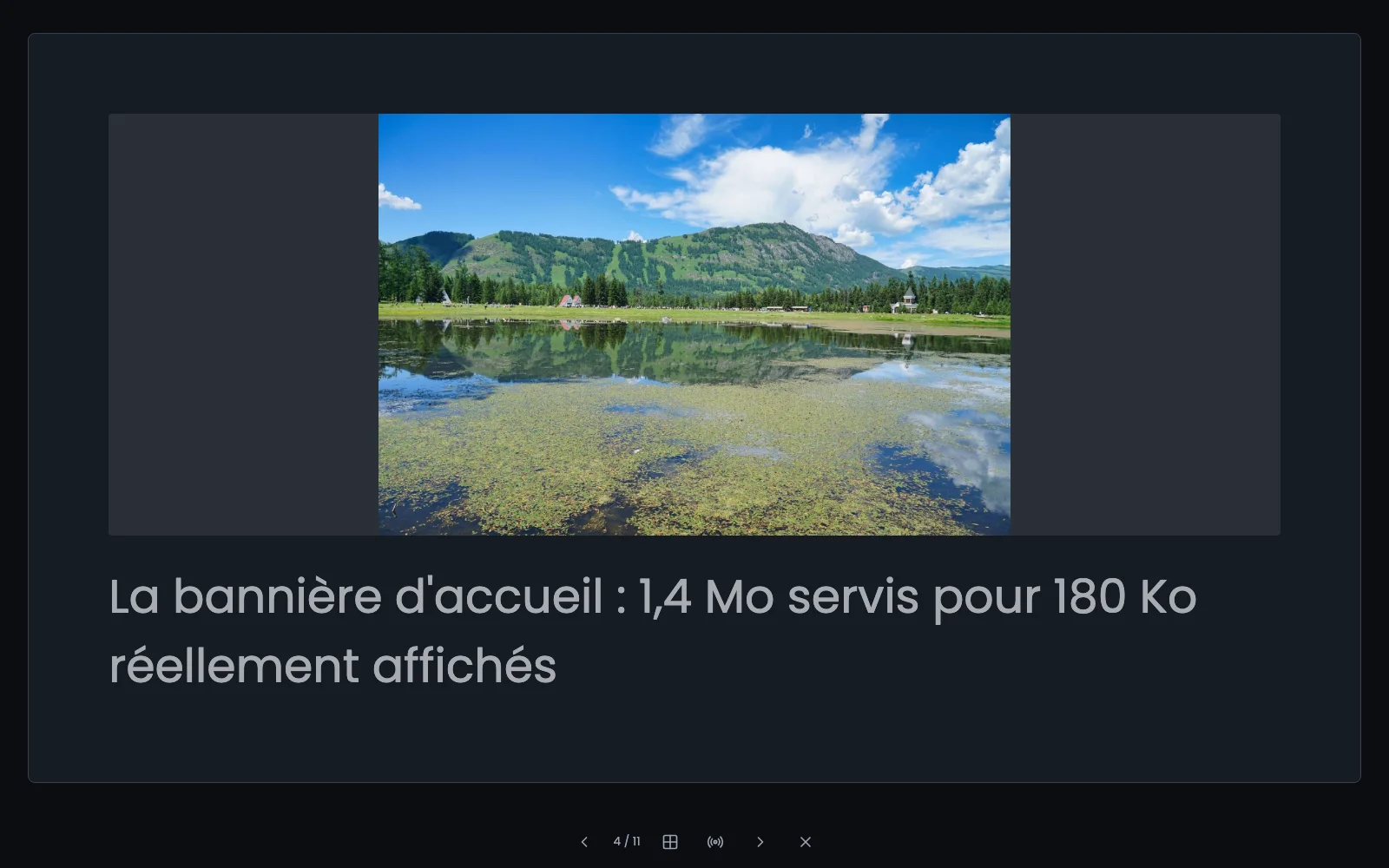
A client presentation is usually made in separate software, exported to PDF and sent by email. Here it lives next to the client and their contract: you write it in the back office, present it from the browser, and send it by a link.
What a presentation can do
- 16:9 slides on declared layouts (title, section break, title and bullets, full-page picture, quote, two columns, table), with text measured to fit.
- A look per presentation: five themes (Ardoise, Encre, Papier, Affirmé, Minuit), three colours and a pair of typefaces to change, a logo, a footer and slide numbers.
- Worked backgrounds: gradients, patterns, a veil from one side only, and four picture treatments (blur, black and white, duotone, grain).
- A legibility check that says when a text becomes hard to read on its background.
- Full screen from the keyboard, with list lines arriving one by one and speaker notes.
- Chapters: a section break folds the slides that follow it.
- Templates: a presentation marked as a template is the starting point for the next ones.
- A written document that becomes a presentation: a heading opens a slide, what follows fills it.
- Printing to PDF, in its own colours.
A secret link opens it at the client's without an account: a label to find it again, an expiry, a password if needed, and the list says whether it was opened and when. Speaker notes never leave with the link.