
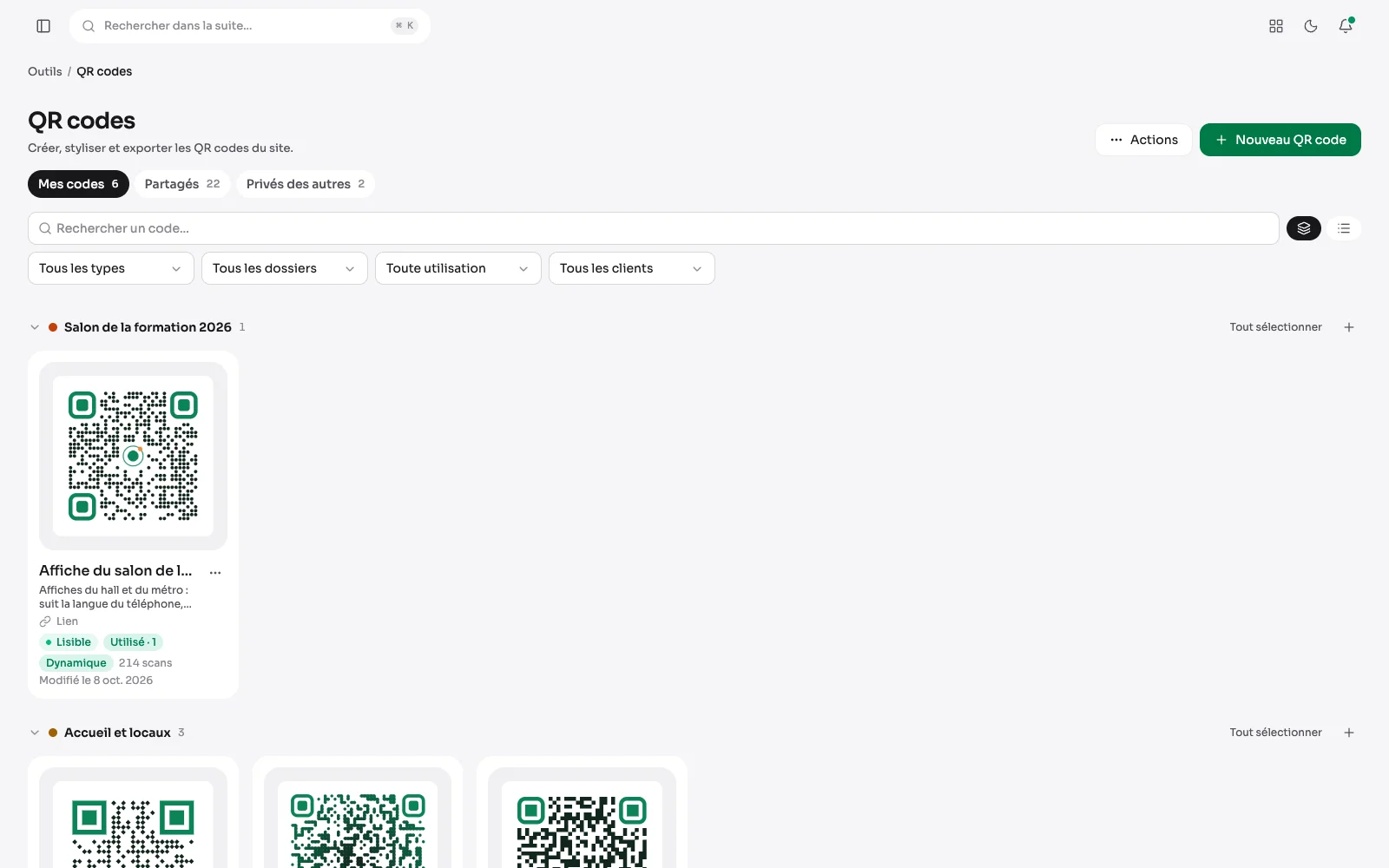
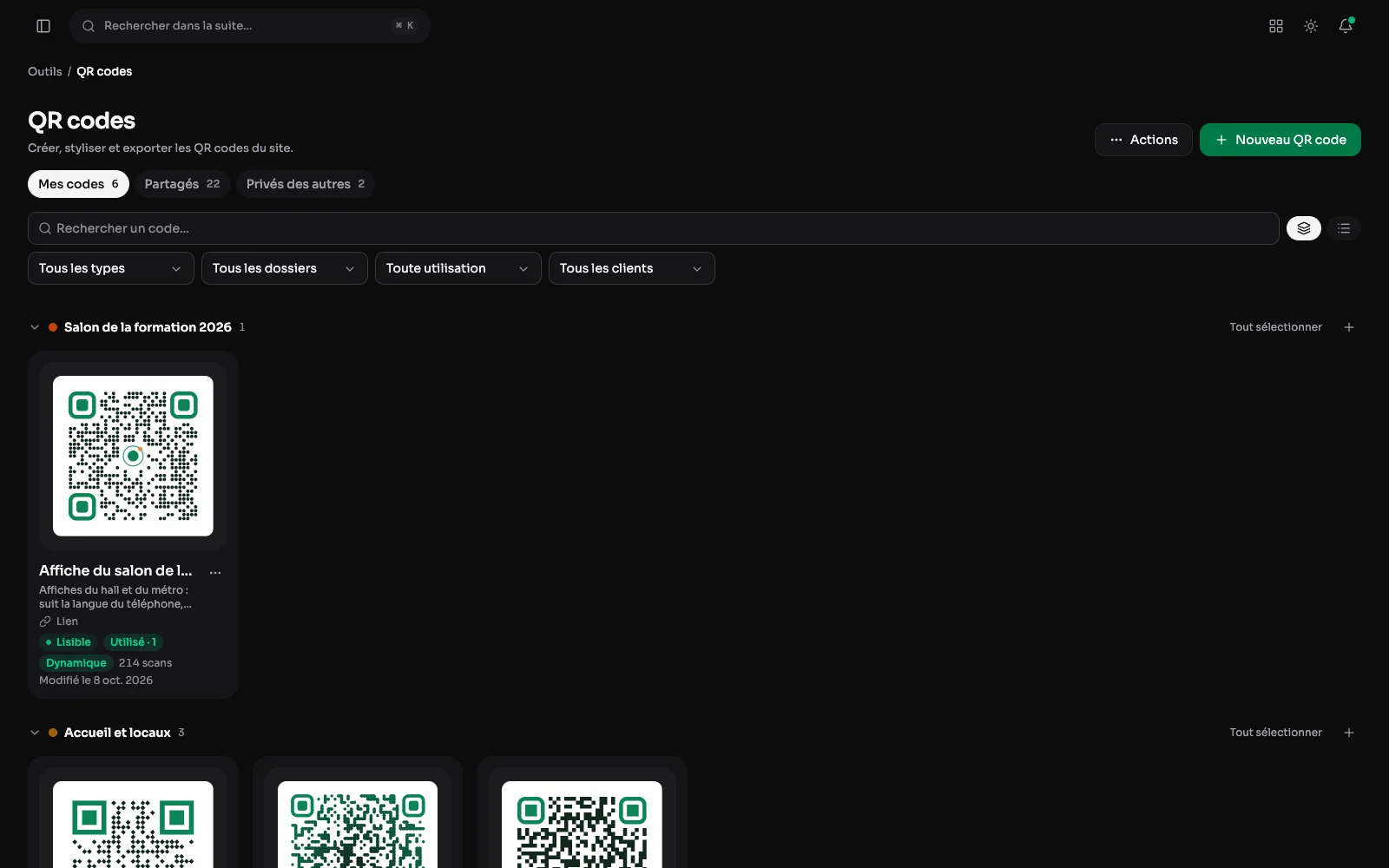
A Tools module, and its first tool: a QR code generator that keeps every code, draws it in the site's image and checks that it reads before it is printed.
A library of codes
Every code is saved, in its own style: a trade fair poster, the front desk's Wi-Fi, a business card, a transfer, or the codes of a client's sessions, with the client's own logo. It is found by its name, duplicated, downloaded in one click, and a dynamic code says how many times it was scanned.
The style, and proof that it reads
Modules as squares, dots or joined, a colour or a gradient, rounded markers in their own colour, a media library logo in the middle, a “Scan me” band. Under the preview, the contrast, the correction and the version of the code are checked, and the browser actually reads the drawing back.
Know what each code is for, and where it is shown
An optional description shows under each code's name, in the list and in the editor: you can tell at a glance which one is on the posters and which one is on the back of the business cards. A badge says whether a page of the site or a deliverable shows it, and the editor lists those places with a link to open them. Before changing or trashing a code, you see what depends on it.
File by folder, download a whole folder
The library shows by folder, each in its colour and in the order the team chose, or as a single list. A code is filed from its menu or by dragging its card onto a folder. "Select all" takes a folder in one click: the sheet of labels, the ZIP in PNG or SVG for the printer, filing and the trash apply to all its codes.
Warned before trashing a code on display
Moving to the trash a code that a page of the site or a deliverable shows first asks for confirmation, with the list of those places. Once in the trash, the code no longer lends its style: those pages would show a plain black and white QR code without anything saying so.
Eleven contents, the site's pages among them
A link with its campaign parameters, a Wi-Fi network with an encrypted password, a contact, an event, a location, a SEPA transfer, an email or a text message. Or a page of the site: a post, a document, a form, picked from a search, in the code's language.
Dynamic codes, and their scans
A dynamic code goes through a short address of the site: its destination changes after it is printed, it can be switched off, and its scans show day by day, counted without keeping anything about who scans. The export gives an SVG, a PNG up to 4096 pixels, or a sheet of labels to print.
From the rest of the suite
The media library offers a code for every document, and “Customise” opens it in the editor, already filled in. A live post and an active form have their “Create a QR code” too, and a block of a page can show a saved code, in its own style. The contact card can borrow its style instead: shapes, colours and logo, around its own contact.
Codes in bulk
A pasted list, or a spreadsheet's CSV, gives one code per line in the style of a code picked as the model: the badges of a seminar, a label per room. The lines left out are named by their number, and several selected codes go together onto a label sheet, into a folder or to the trash.
Codes kept an eye on
Every night, the address of every code is checked, and a page that stops answering is reported by a notification. One can also be warned of a code no longer scanned, or of a scan spike, and compare a period with the one before. Dynamic codes keep the history of their destinations, with who changed them and when.