
Aurora's SEO is a tab on the publication, filled in language by language. Nothing to install, nothing to update, nothing that breaks at the next version.
The site's SEO settings
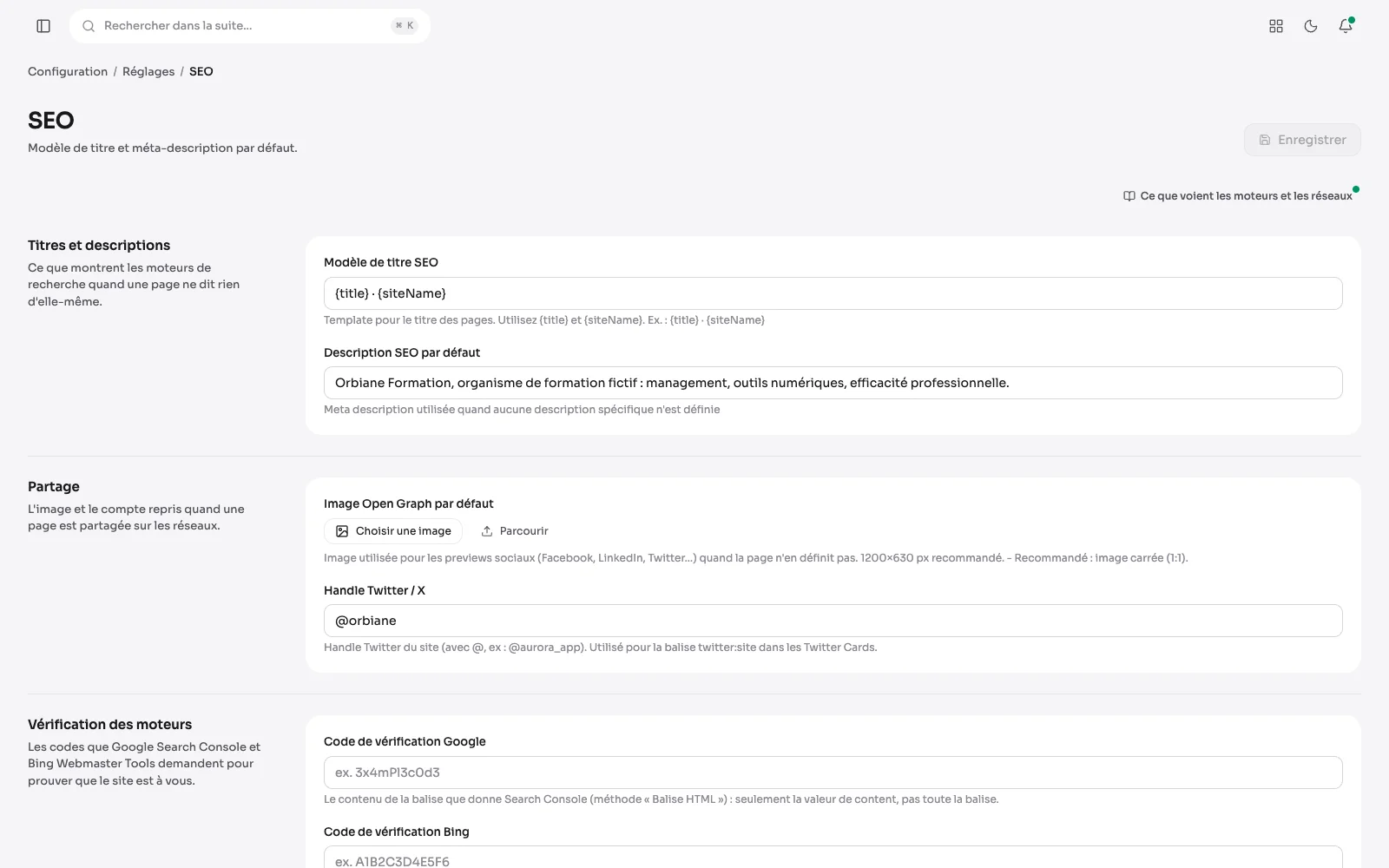
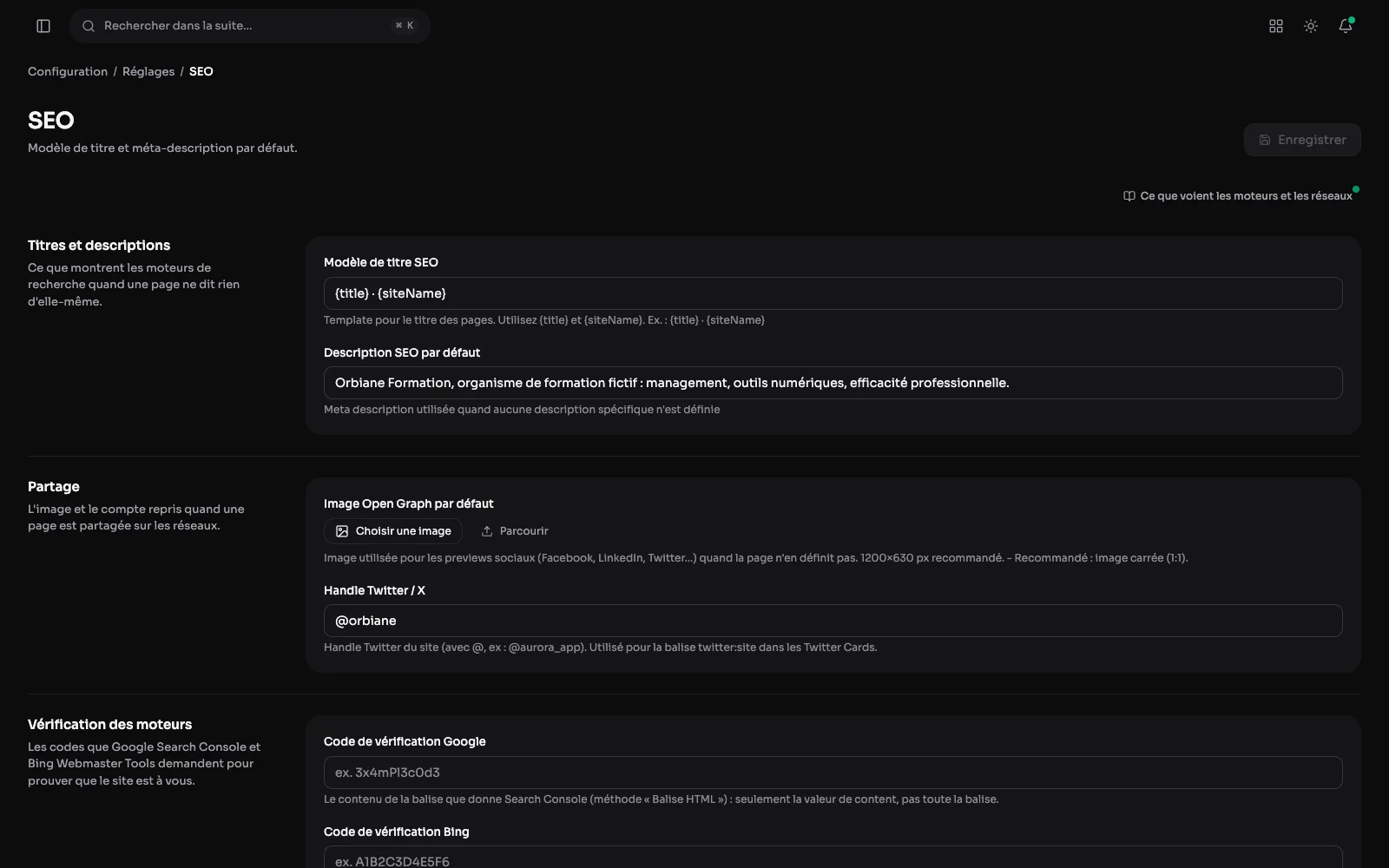
Title and description templates, the default share image and the X handle: what search engines and social networks show when a page says nothing of its own.
The search engines tab
Meta title and description, with the character count in view. Below them, the focus keyword, the canonical URL, and a box to keep a page out of the index.
The audit, page by page
Every published page, in each of its languages, with what a search engine would find wrong: a title too long or too short, a missing description, the same title as another page. Pages are sorted into "To fix", "To improve" and "In order", and the list of the most frequent issues says where to start. Each row opens the publication, where the fix is made.
Who visits the site
The Audience tab counts the public site's visitors without cookies and without a banner: visitors, page views and visits over 7, 30 or 90 days, compared with the period before, then the most viewed pages, where visits come from, campaigns and devices.
Google's figures
Once Search Console is connected, the SEO screen shows the clicks, impressions, click-through rate and average position of the last four weeks, compared with the four before, along with the pages and queries that bring them. The connection is read-only, through a service account, with the walk-through and links in the tab.
The rest of the SEO
- Open Graph and Twitter tags, with a sharing image per publication.
- A sitemap and an RSS feed generated by the site, and a robots.txt that declares them.
- JSON-LD structured data where the page deserves it.
- Pages are served with a cache header computed from the content date: a browser does not download again a page that has not moved.