
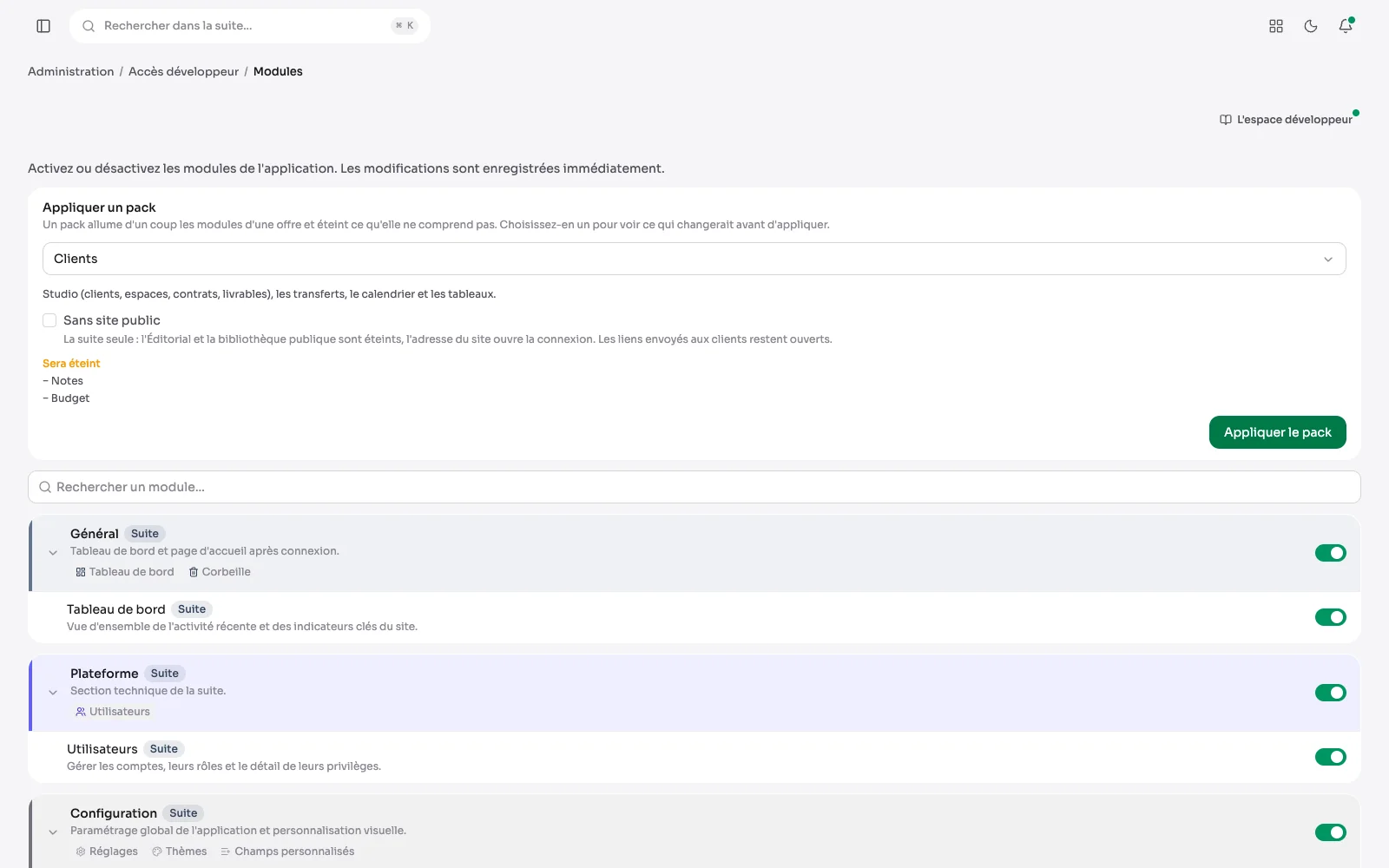
Aurora is a base with modules. A brochure site does not need a calendar; a photographer's site does not need document management. What is not useful switches off, and leaves the menu.
Modules, on or off
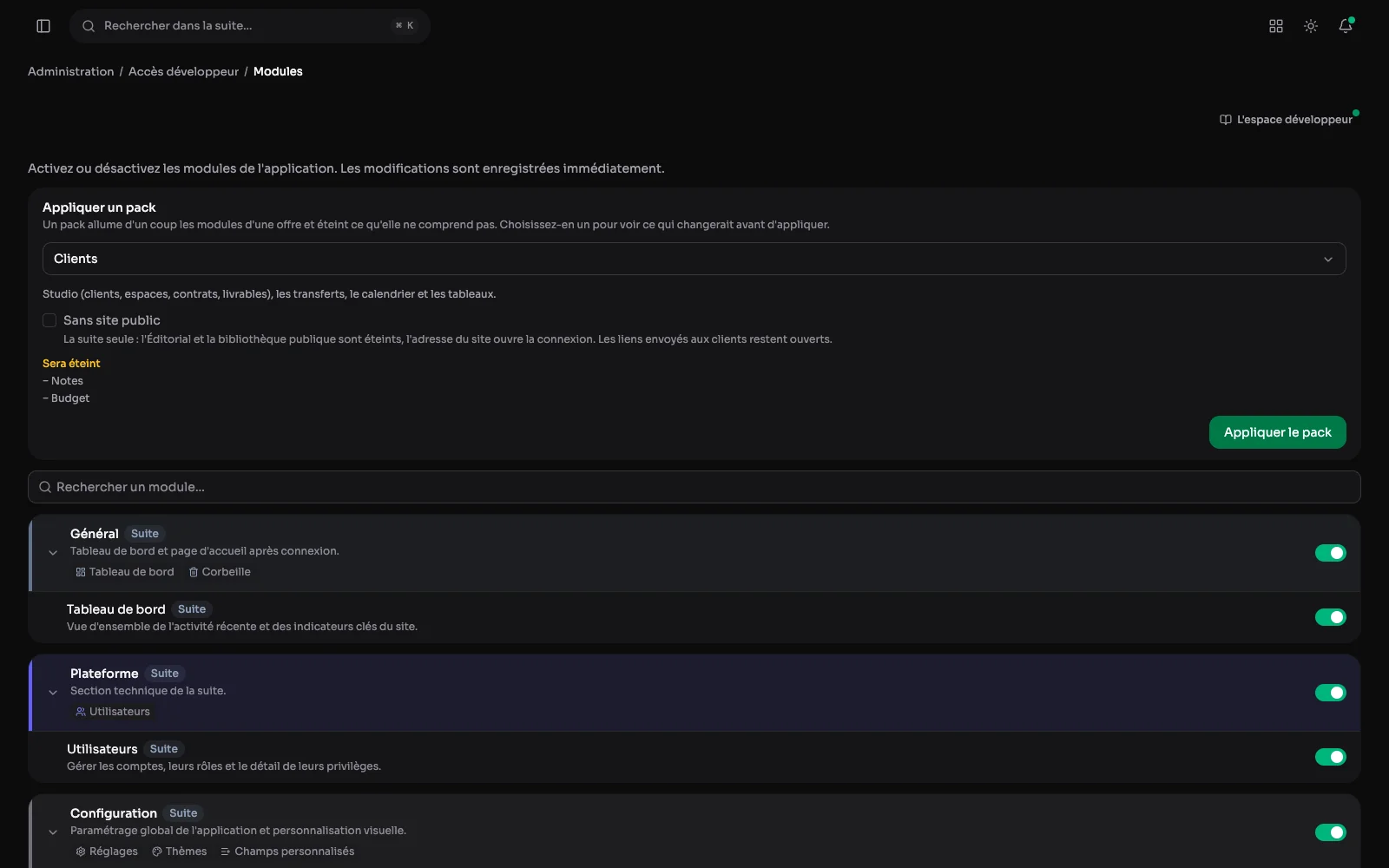
Each module and its sections, with a switch: what is not used disappears from the menu, and comes back in one gesture. A pack sets them all at once for the kind of site, after a preview of what turns on and off.
Settings: one section per subject
Site name, reading, localisation, branding, SEO, system, file storage: each subject has its own section. Here you set the site name, the default language, the front page and file storage: the server's disk or a remote storage, with what each one weighs. A setting written here survives updates, because the product knows about it.
An integration: the client's account, off by default
Each integration connects with the client's own account rather than mine, and stays off until switched on. Here, Pexels: one sentence says what it does, a “To configure” badge gives its state, the Connection card holds the terms, the key and the switch, and the three-step guide sits alongside.
The settings one by one
Reading
Posts per page, comments and their moderation, the revisions kept, the trash's purge, how long form answers are kept, and the home page.
Localisation
The default language, the site's languages (their status is changed in the developer area), the site's time zone and the date style in emails, PDFs and contracts.
System
Maintenance mode, sign-ups and access requests, and the public site's member area, each on a switch.
File storage
The server's disk or object storage such as Cloudflare R2, with what each one weighs and the steps to get the credentials.
Navigation
The side menu's sections are renamed and reordered, so the suite speaks the client's vocabulary.
Bot protection
An extra check for forms and comments, Cloudflare Turnstile or reCAPTCHA, connected to the client's account and off until they set it.
Also in the settings
- The modules that are on, and the screens that come with them.
- Upload limits and accepted formats.
- The names of the side-menu sections, when the client's vocabulary differs from mine.
- Mount points to a database, an API or an SFTP server, tested from the suite.
- The integrations: Google reviews, the Instagram feed and GitHub activity as page blocks; free Pexels photos in the media library; Brevo for the newsletter; Turnstile or reCAPTCHA against bots; Google Drive and Craft in client spaces.