
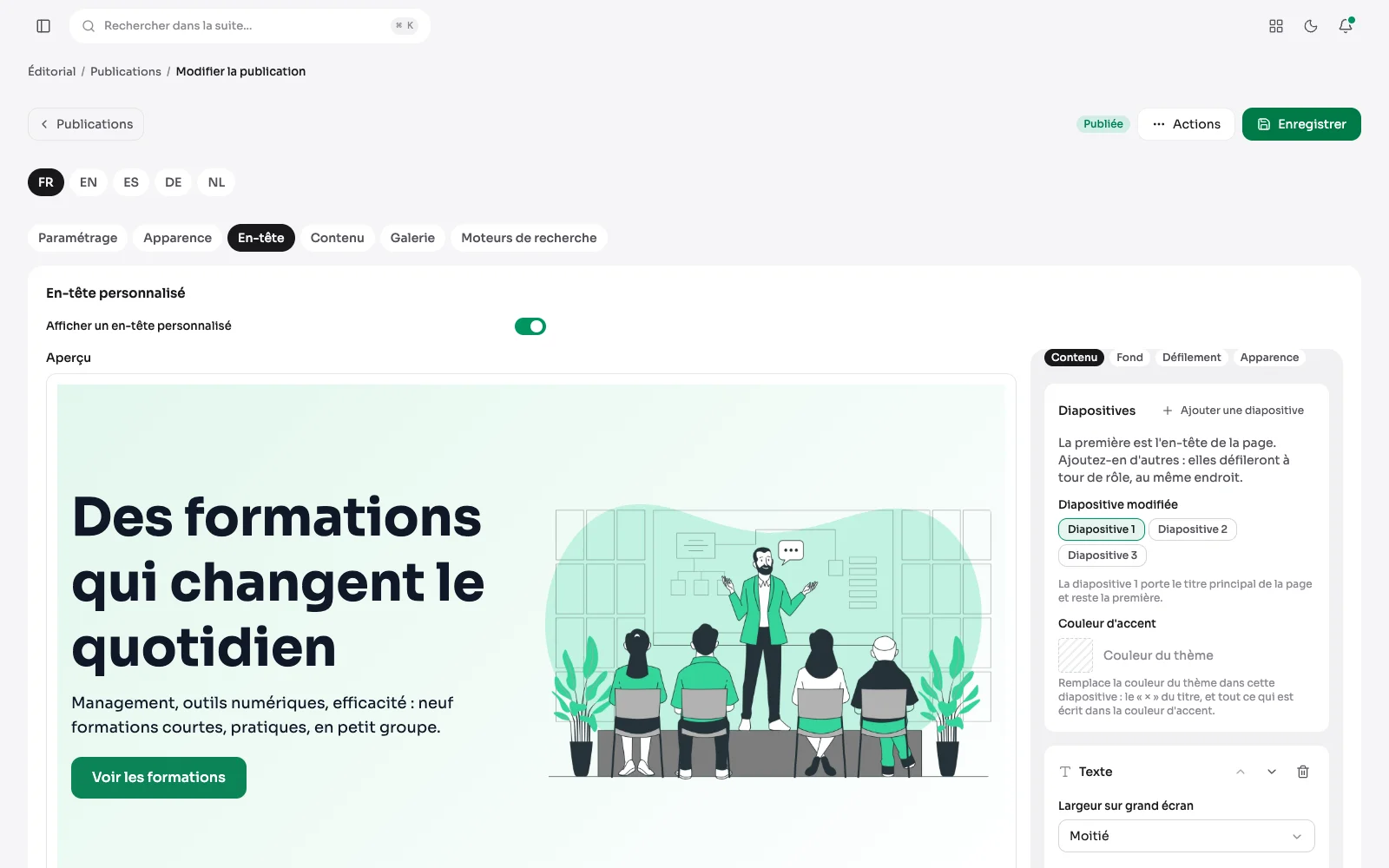
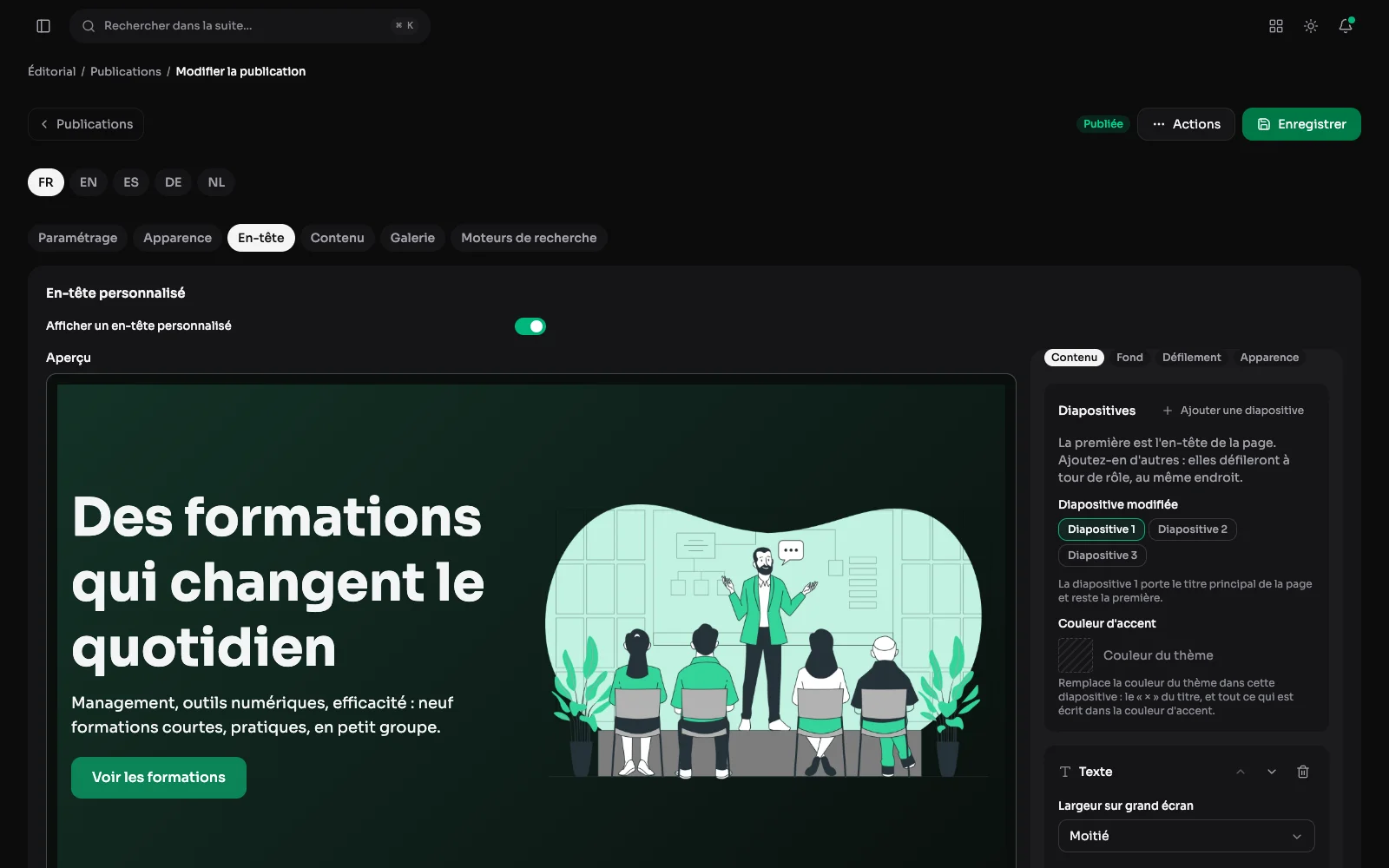
The header is the first screen, and often the only one some readers will see. It has a tab of its own, with a preview that updates while you set it rather than after you save.
The header, with its preview
A post's Header tab: a custom header turns on in one gesture, and the preview shows the title, the text, the button and the picture as they will appear.
The header tab: size, background and fade
Height (including “the picture's own”, which never crops anything), width, inside the column or full bleed, and where the content sits vertically. The background is a colour, a gradient with its angle or a picture with its darkening, and a fade at the foot dissolves the banner into the page instead of ending on a line.
The carousel: one slide after another
Adding a slide turns the header into a carousel. The first keeps the page's title; the next ones take their turn in the same place, each with its own background, translated texts and buttons, and accent colour. Scrolling is set page by page: automatic or not, how long each slide stays, pause on hover.
On the site: the second slide
The same slide, as the visitor sees it on the home page: its arrows on either side, the dots below to go to another one, and a button to pause the slideshow.
Headers on a phone
On a phone, the header moves to a single column: the title, the text and the button first, the image below. Here the home page and its carousel, a course page, and an article, whose date and author follow the header.
The background of each slide
Beside the preview, the header's panel has its tabs. Background sets, for the slide picked, a colour or a gradient, a picture with its focal point and its versions for phone and tablet, or a video.
How the slides rotate
The Rotation tab decides whether the slides move on by themselves and how long each one stays, whether they pause on hover, whether there are arrows and dots, and the transition: fade or slide.
Also in the header
- A picture for desktop, one for tablet and one for phone, each with its own focal point.
- Stripes: up to six slanted bands of colour laid over the background, set in angle, thickness, spacing and opacity.
- Stacked texts, pictures and buttons, each with its own width, typeface and colours, and title words in colour.
- A logo above the title.
- The design is written once for every language; the words are written language by language. And when the picture carries text, each language can have its own background.
- A header in the middle of a page: the same visual can also sit in the content, as a grid block, full width, half or third, with the same settings panel. Its headings become subheadings there, so the page keeps a single main title.
A QR code in the header
Beside the title and the picture, a header takes a QR code: a visitor reading the page on a computer carries on with their phone. Its address and caption are set in each language, a page of the site is completed with its domain, and it can borrow the style of a code from the QR codes module, shapes, colours and logo included. The preview draws it as it will be published.