

What the visitor sees is rendered by the server, in HTML, with the strict minimum of JavaScript. No blank page while loading, no megabytes to download before reading a sentence.
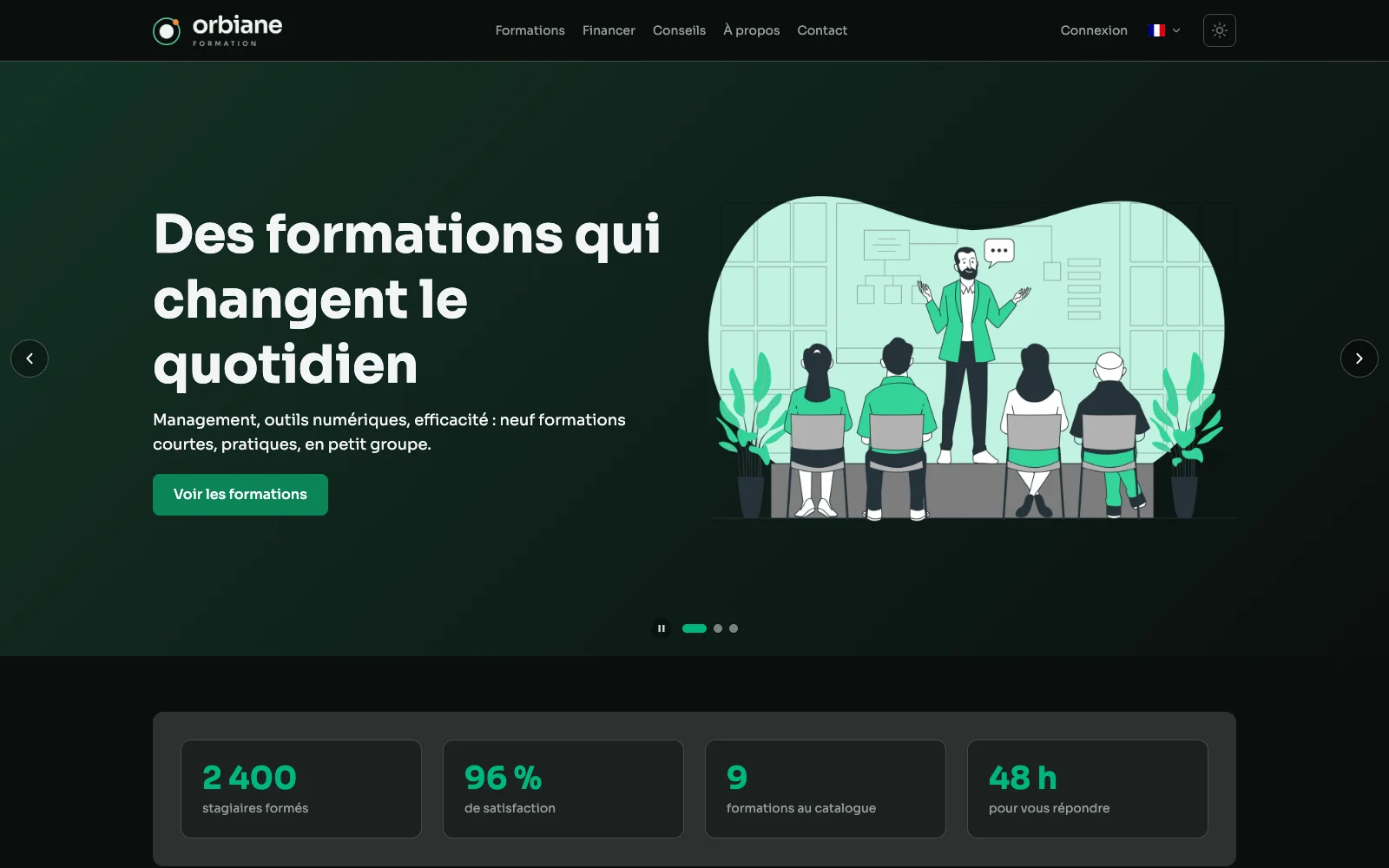
The public site's home page
The home page as a visitor discovers it: the header carousel, then the sections composed in the grid.
This site runs on Aurora
app.axelraboit.fr is not a showcase built next to the product: it is Aurora in production. The home page, the service pages, the portfolio, the photo gallery and this tour are all composed in its suite and served by the same engine, on my own server. What this page describes, you are using right now.
A course page: picture and text in turn
The lead, then picture and text in turn, composed in the suite without a line of code. The page sits on a grid: every zone states its width per screen size, and the page holds on a phone.
A tip: the essentials in figures
The large picture, the essentials in a few lines, its figures and a trainer's quote. Pictures are served in several sizes, as WebP to suit the screen, with the photographer's name when the photo calls for one.
The gallery lightbox
A gallery opens in a lightbox: the photo full screen, the arrows and the counter. It works by keyboard or by finger, with swiping on a phone.
On a phone: one column
The home page, a course and a tip, side by side on a phone. The same pages hold in one column, with a folded menu and pictures at the right size.
The contact page: three fields
The public site's contact page holds three fields: name, email and message, as the visitor sees them. What they send lands in the suite.
What else the site does
- Pages served quickly, cached on the date of their content.
- A plain or carousel header, set page by page.
- Five languages (French, English, Spanish, German, Dutch), each page translated with its own address.
- A member area when the site needs one: sign-up, sign-in, profile.