
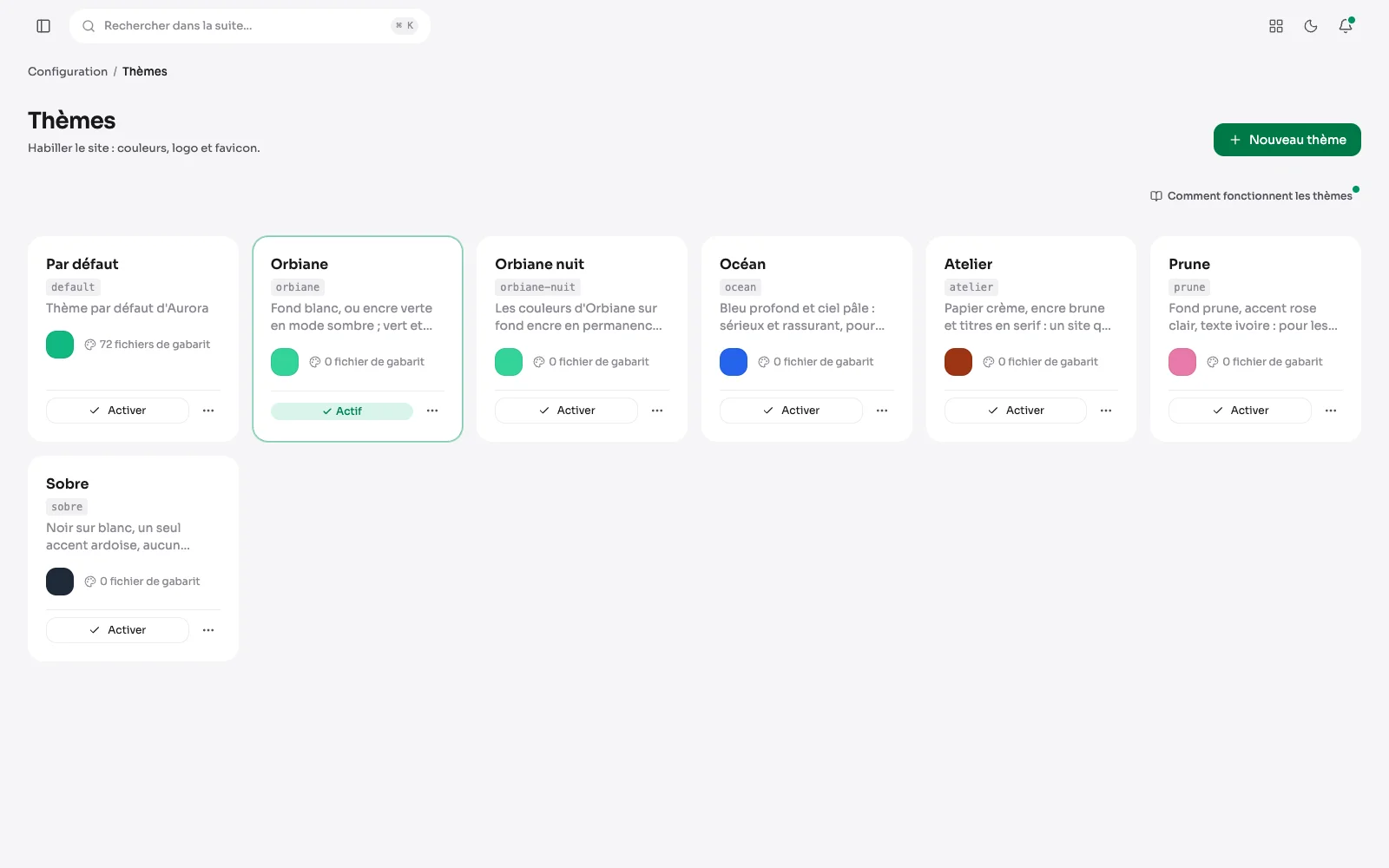
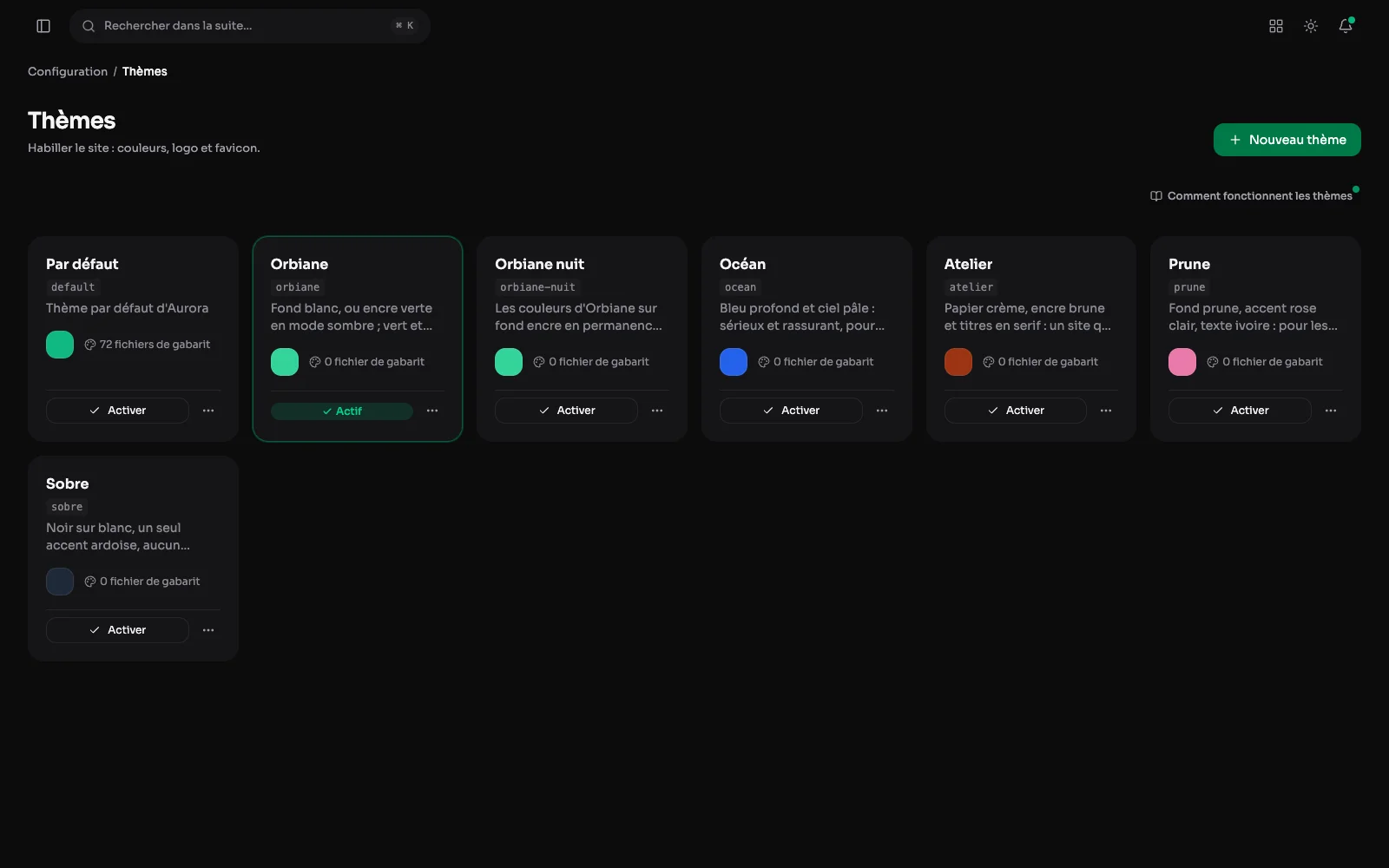
Dressing the site does not mean touching code. A theme carries its palette, you activate it, and the public site changes.
Themes, side by side
The site's themes, each with its accent colour and background. One click activates one, and the whole site changes, administration included.
A theme's palette
A theme carries the accent colour, the ground, the header and footer bands. Contrasts are derived automatically, so a dark ground does not carry dark text.
A theme tried on the home page
While a theme is being edited, the site's home page shows beside it, dressed in what is not saved yet: every colour changed shows there at once, in light or dark mode, at the width of a computer, a tablet or a phone.
Settings > Appearance: the suite's grays
Outside the theme, Settings > Appearance sets the grays of the suite and the client space, in light and dark mode alike, with their status colors. One family per mode, a card preview, and every shade adjustable.
Settings > Emails: the colors of emails
Settings > Emails sets the email language and their colors. The accent follows the theme's main color by default. Then come the background, headings, text, the header band behind the logo and the line under it, in the logo's colors for instance.
A page in its own colours
A publication's Appearance tab repaints that page alone: the background, the top bar, the footer, the text, the lines, the cards, the headings, the highlighted figures and the accent colour. A field left empty keeps the theme's colour.
The logo and the favicon
Chosen from the media library: the site's logo and its tab icon. A setting says whether the site name shows next to the logo on a phone. A second, optional logo takes its place when the suite switches to dark mode: useful for a dark logo without a background, which would vanish on the dark menu.
The font, the width, the header
The theme also chooses the font (Sora by default), the content width, the reading bar at the top of the page and the header colours, with what it shows: the site name, a text or the logo.
What else a theme sets
- Text, lines, card background and outline, headings, check marks, key figures and the colour of pictograms.
- The colour of hovers and card markers: main, neutral or custom, for the theme as well as page by page.
- The color of each type of content callout: information, success, warning, tip, and the others.
- A publication can repaint its own bands without changing the rest of the site.
- A theme can also bring templates of its own, when a project needs a layout the palette cannot describe.