
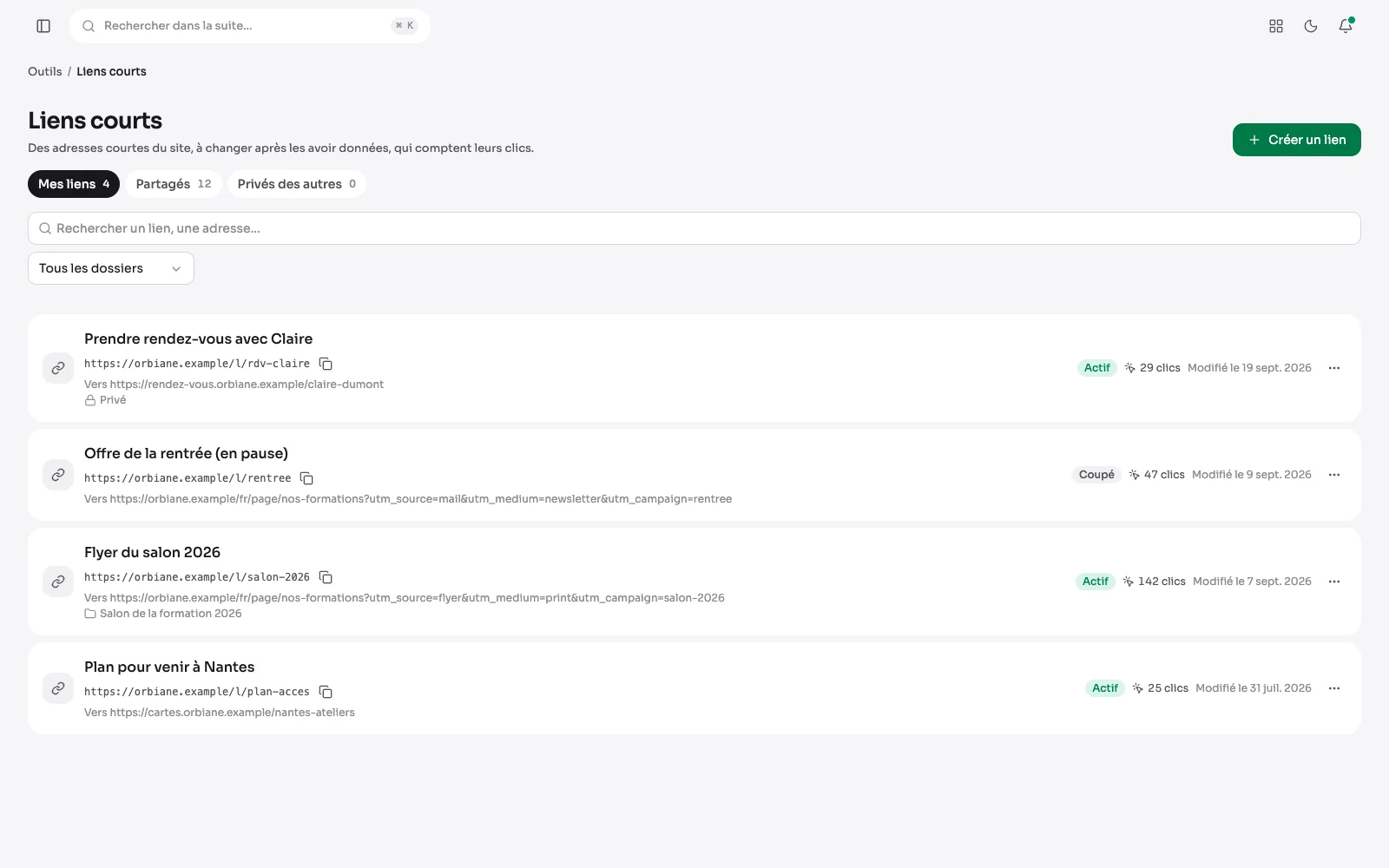
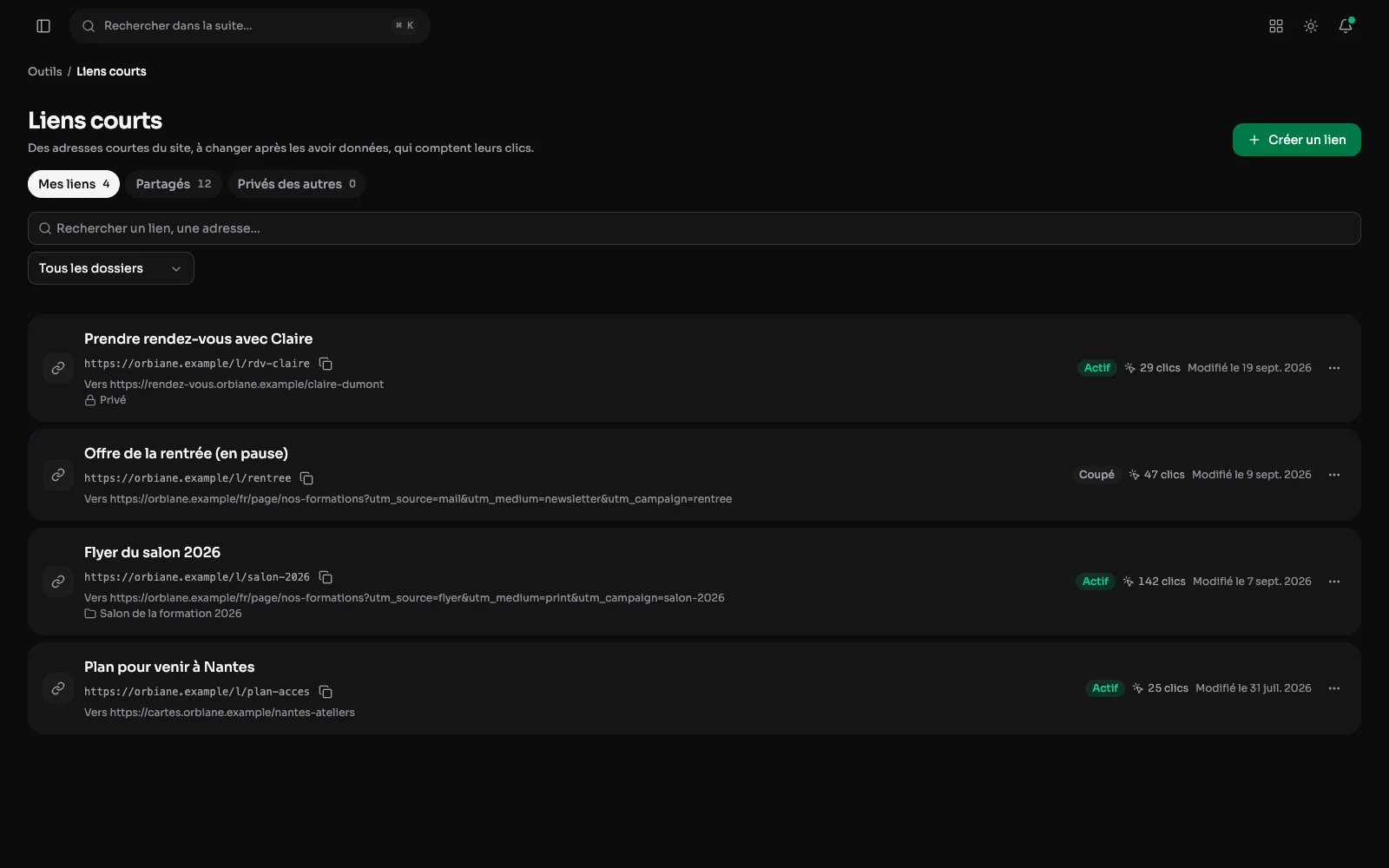
The Tools section gathers what a site needs now and then, next to QR codes, which have their own page. Each tool is switched on separately in the module settings.
Short links that count their clicks
A short address of the site, such as /l/salon-2026, to give on a flyer, in a story or by e-mail. Its destination can change after it has been given out, and every click is counted per day, keeping nothing about who clicks.
A link, its destination and its clicks
Each link keeps its campaign parameters, its curve of clicks over 7, 30 or 90 days with a CSV export, and a nightly watch that warns when the destination stops answering. One click makes its QR code, scans and clicks counted together.
Redirecting an old address
An old address of the site, or one from a former WordPress, sends on to a new one, permanently (301) or for a while (302), with the number of visits and the last one. Only an address that would answer page not found is redirected: a redirect never hides a page that exists.
The addresses not found
Under the redirects, the addresses visitors asked for over the last 90 days without finding them, the most asked first, robots left out. An address is redirected from its row, or set aside.
Broken links, checked every night
Every night, the links of the published pages are checked. Broken links come first, with since when and the pages they are on, one click from their editor. A link can be set aside, and a button runs the check without waiting for the night.
An e-mail signature, ready to paste
Everyone builds their signatures and copies them in one click for Gmail, Outlook or Apple Mail. Several per person, private or shared with the team as QR codes are: here, the team's signature, in two columns, with its icons and a second block.
Rules, icons and colours
Everything can be set: the layout, the typeface, the sizes, the colours, a rule above, below and between the columns, an icon before each contact line. The preview shows the signature as a mailbox will display it.
A second block under the signature
A box for a group, a label or an announcement: a logo, a few lines whose addresses become links, a picture. A first signature starts from what is already known: the account, the contact details, the site's logo and colour.
The golden hour of a place
For a place kept by the team and a day: the blue and golden hours of the morning, sunrise and sunset, the golden and blue hours of the evening, on a timeline of the day, then the evenings of the week after. Everything is worked out in the browser, with no outside service.
Appointments in the right light
The appointments of the next 14 days on the calendars one may see, each with the morning and evening golden hours of its day at the place chosen. Those that fall in the golden hour are flagged.