
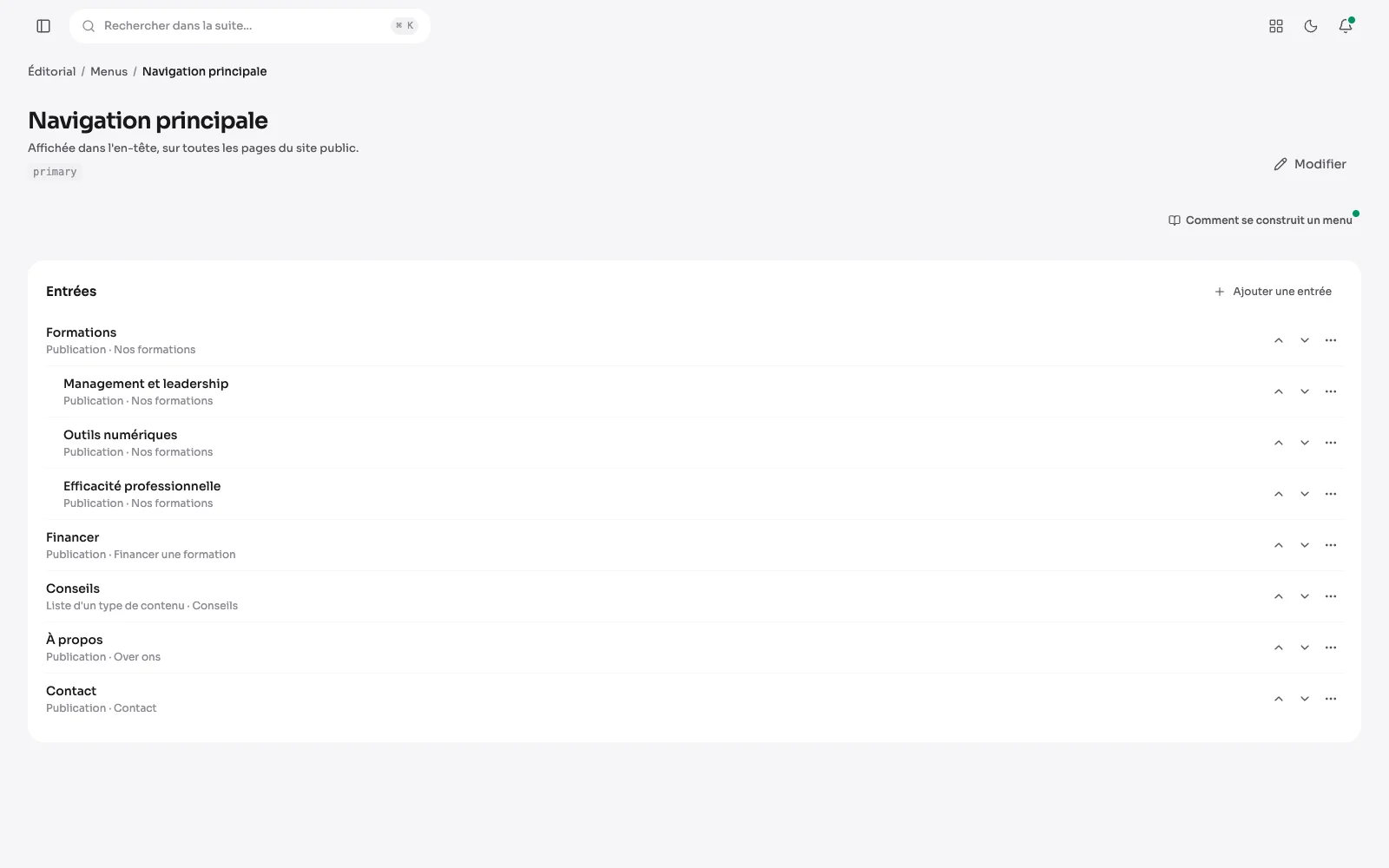
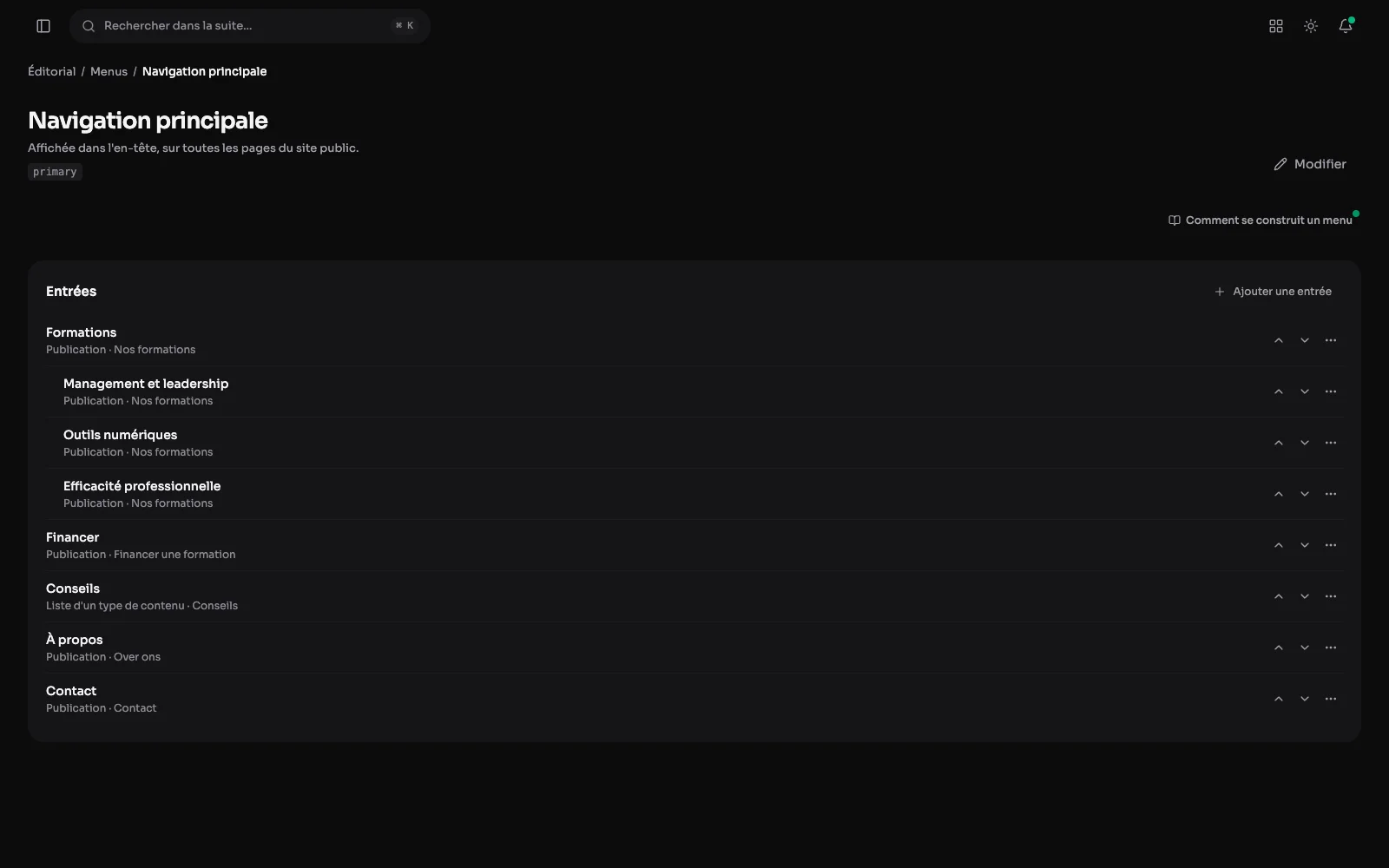
A menu is composed in the suite: add entries, order them, nest them. Every entry points at something the site knows about.
The main navigation
The entries of the menu a visitor sees on every page, in order: a post, a content list or a link, moved in one gesture.
An entry: what it targets and for whom
An entry targets a publication, a content type, a category or a tag, an outside address or an anchor within the page. It can sit under another one, open in a new tab, and show only according to whether the visitor is identified. Its label is translated; its target stays the same publication in every language, with the right address.
On the site: the navigation at the top
The main navigation as the visitor sees it, at the top of every page. An entry that holds others opens them on hover or from the keyboard: here Courses and its three themes.
The menu on a phone
On a phone, the same menu folds behind a button. It opens as a panel, the entries filed under another unfold with a tap, and the cross or the Escape key closes it.
What else a menu does
- A sign-in, sign-out or account link, shown according to whether the visitor is identified.
- Three locations: the header, the footer, and the account menu.