
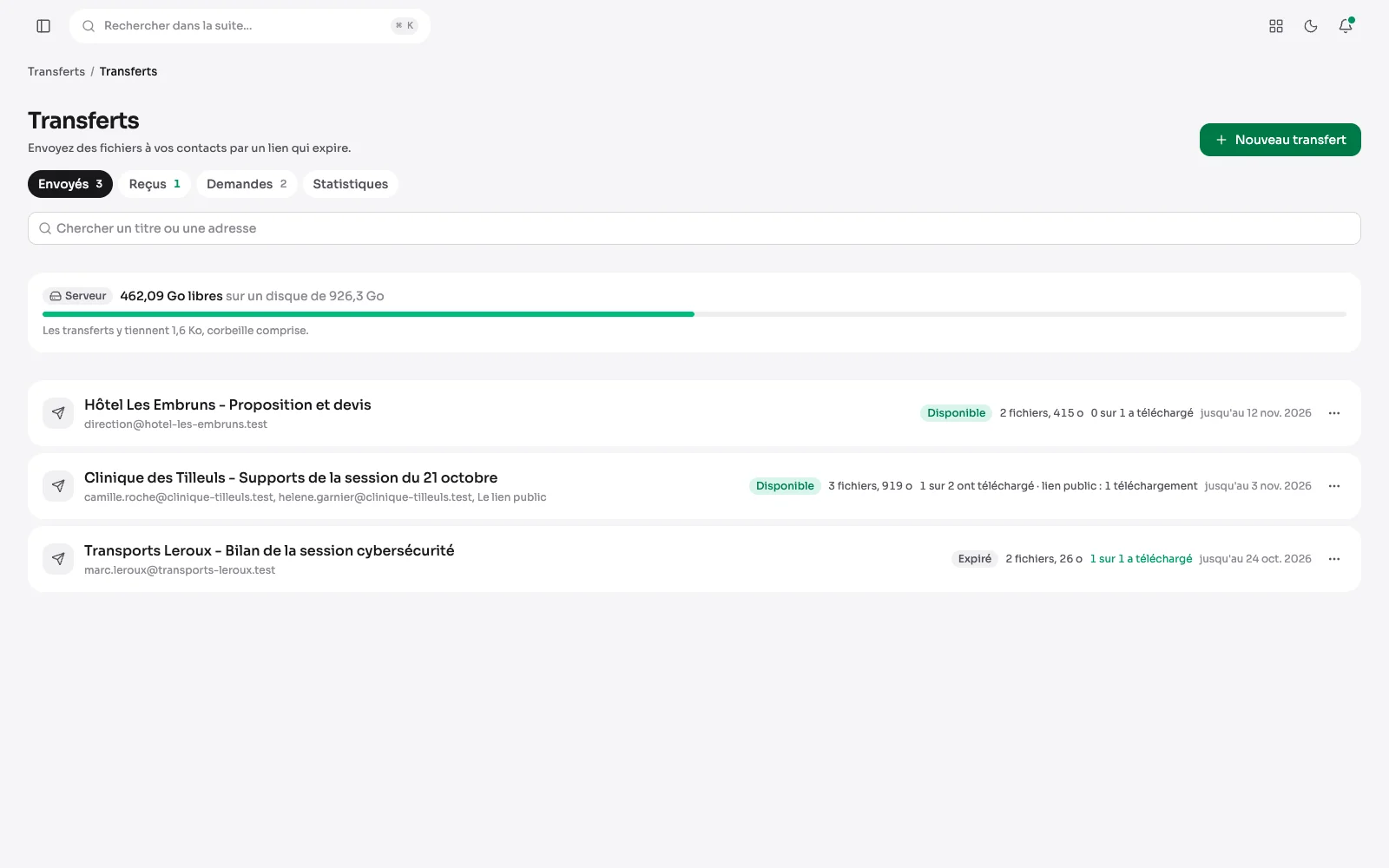
The Transfers module replaces a file transfer service. Each recipient gets their own link, which expires; a client without an account can also drop their files for you. The module is switched on in the module settings.
Your transfers at a glance
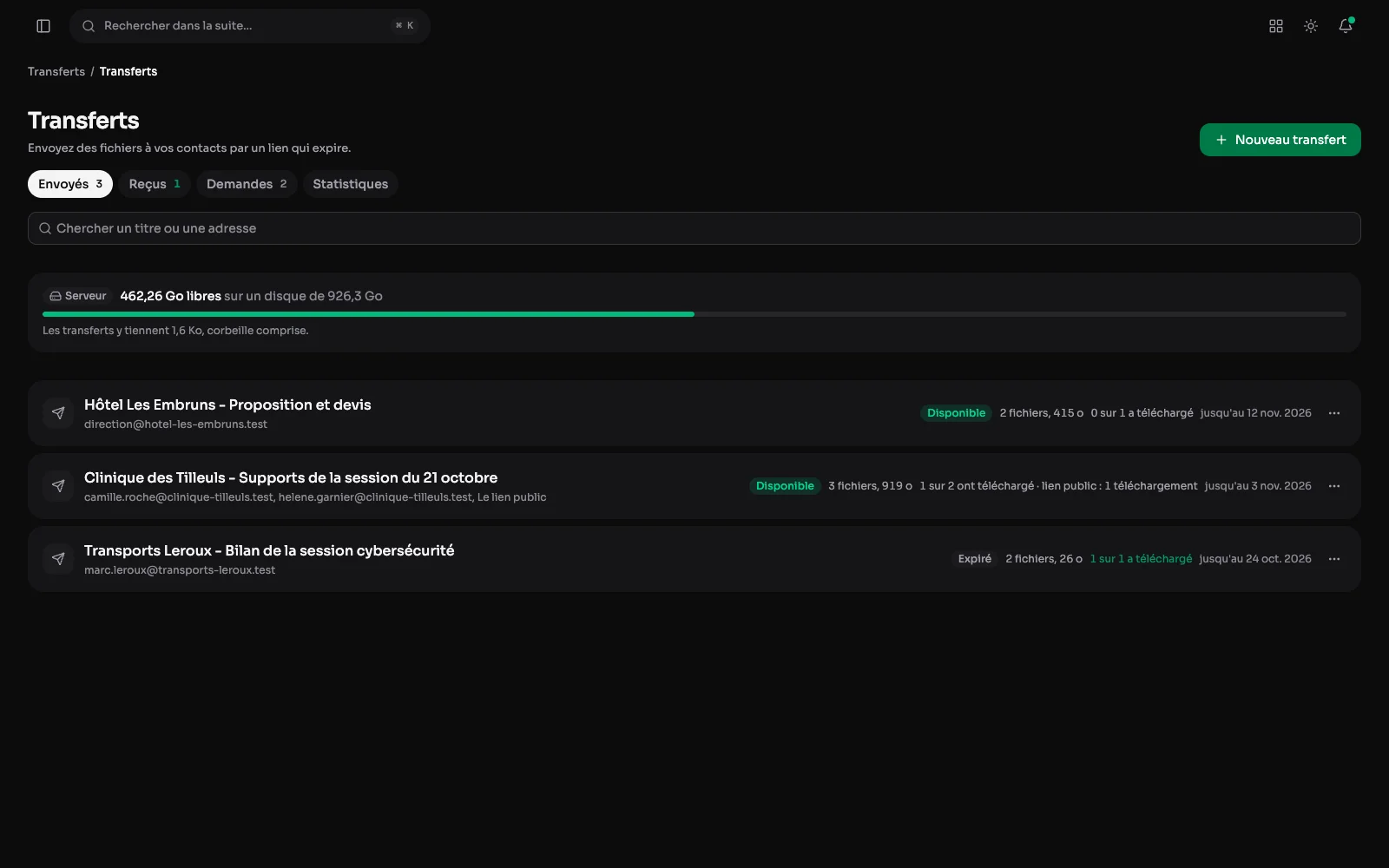
Each transfer with its status, its weight, who downloaded it and until when it stays open. At the top, the room still free on the server or in the R2 bucket: you know before sending whether it fits.
Sending heavy files
A title, a message, one address per recipient: each gets their own link. Files, a whole folder or documents from the media library go up in parts, and a cut sending picks up where it stopped, even after the tab was closed.
Knowing who downloaded what
The journal says who opened the page, who downloaded everything, and when. You extend, add or cut a link, send an e-mail again, or close the transfer: its files are then erased.
Asking for files
A link to give to someone without an account. You tick the families of formats you expect and set a maximum size if needed; formats that could run when opened are always refused.
The deposit page
On the client's side: their name, a word, their files or a whole folder. The page says what it accepts before sending, and an interrupted deposit is finished by coming back to the page.
The download page
What the recipient gets: the message, the files one by one or all at once, the deadline, and a fingerprint per file to check it arrived intact.
What was dropped for you
Deposits arrive in the Received tab, marked “New” until you open them. One click files a document in the media library or in the client's space, before it is erased.
Since the beginning, and over the period
What went out, what came in and what was downloaded, in gigabytes, since the first transfer. Then over 30 days, 90 days or a year: people served, time to a first download, deposits and requests.
When your clients download
Volumes over time, and a grid of downloads by day and hour: the right moment to send a delivery shows at a glance.