
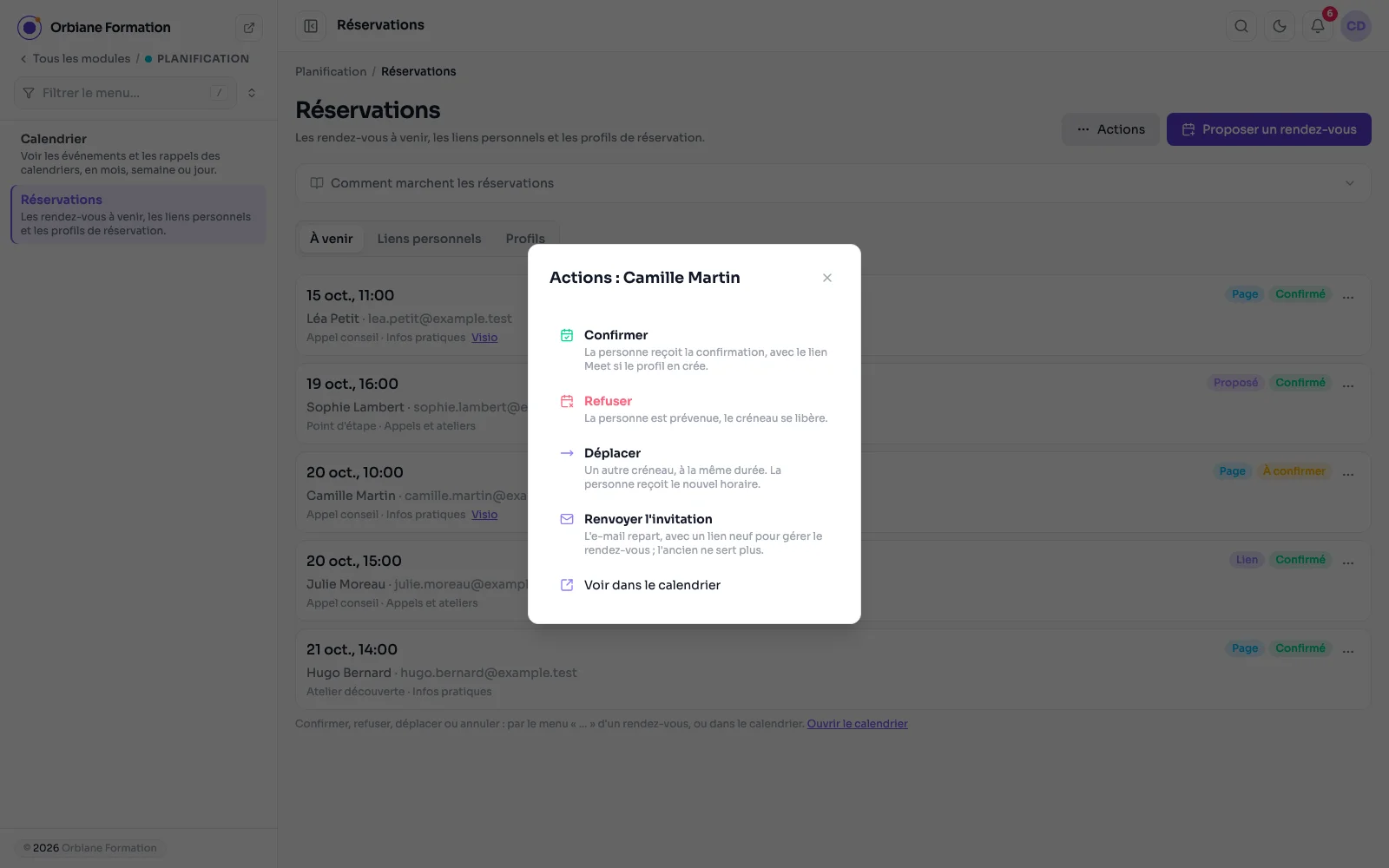
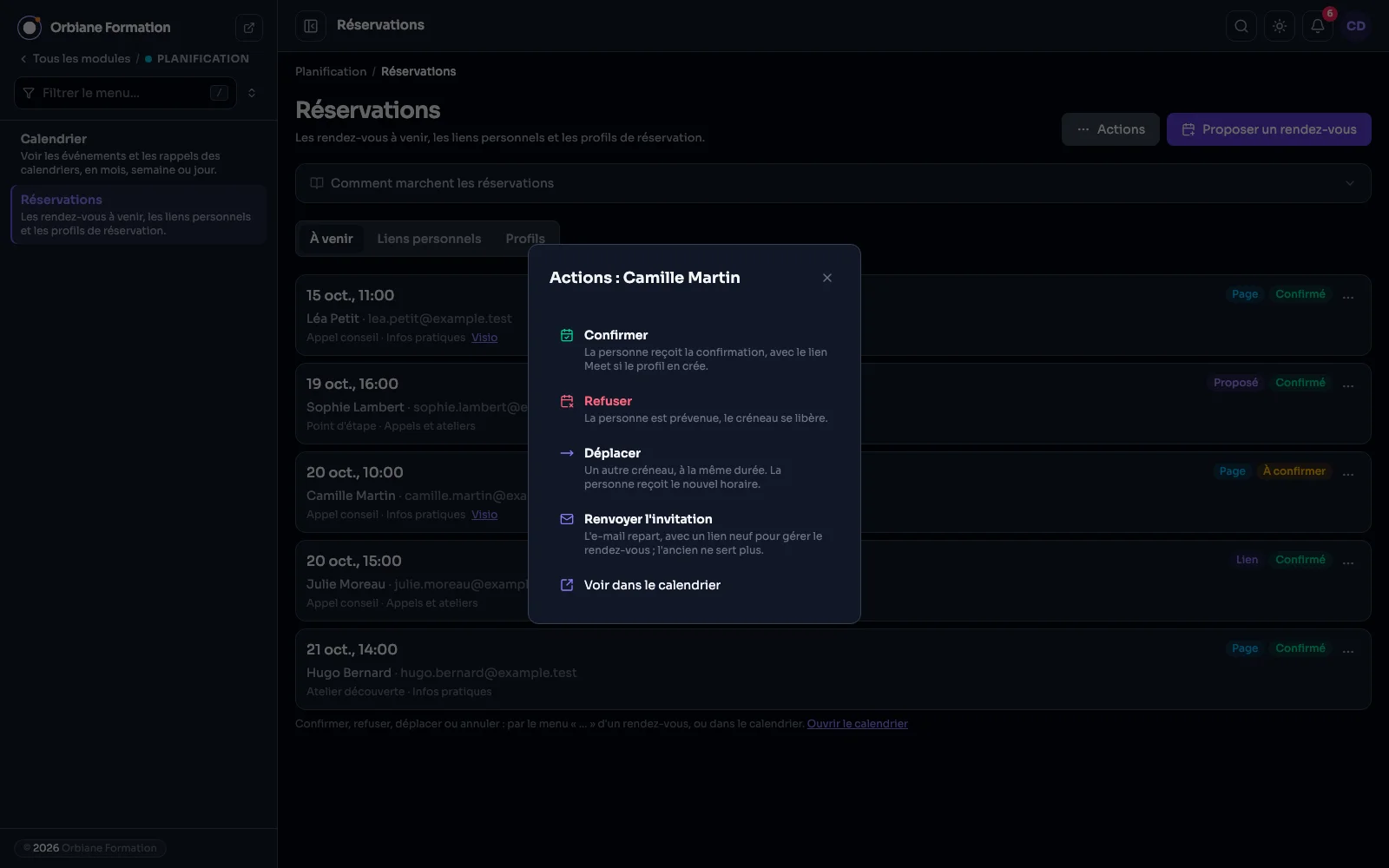
A visitor books a slot on a page, you offer an appointment yourself or send a link to one person: all three land on the Bookings screen, with the emails, the video call and the calendar that follow.
The Bookings screen: everything coming up, and the answer
Upcoming appointments in one place, whether they come from a page, a personal link or one you set up yourself, with where they came from and their status. Each one's menu confirms, declines, cancels or moves it, with an optional message added to the email the person gets, or sends the invitation again. Exactly like an answer given in the calendar.
Appointment booking: a day, then a slot
A page block, with no form to build. The visitor picks a day, then a time, and leaves a name and an email: the appointment lands in the calendar, marked tentative, and you confirm it. Slots are worked out from the opening hours, the chosen length (fifteen minutes to an hour and a half) and the number of days offered, skipping closed days. Several appointment types, a length left to the visitor if you wish, and automatic confirmation for those who prefer it.
Setting up an appointment yourself
You choose the type, the length, a free slot or another time, then the person. The appointment is confirmed, with its Meet call, and the invitation goes out by email. The appointment's link is shown too, to send by message. A slot already taken is flagged, and can be kept anyway.
The personal link: the person picks the time
You set the appointment, its length or a range, and who it is for; the person opens the link and picks the time among your free slots, their name and email already filled in. Single use by default, with an end date, and replaceable if the address gets lost.
A profile: the settings, once
Hours, closed days, appointment types and their questions in each language, Meet, confirmation, buffer and delays. Every booking block that picks the profile takes all of it: a day off or a new type is set once for every page.
An appointment booked online, with its video call
A booking lands in the “Online bookings” calendar with the person's details, their answers, and the video call's link where the event says it takes place, clickable. The Meet call appears there on confirmation and goes on cancellation. The “Block a slot” button adds an “Unavailable” event the booking pages respect.
What bookings also do
- For appointments, a slot already taken, by an appointment or by an event added by hand, is no longer offered. Two visitors who click the same one in the same second cannot both get it.
- Nothing can be booked less than an hour ahead, and booking requests are limited per address.
- The screen is in Scheduling > Bookings, next to the calendar, and the “Appointment booking” block goes on a page from the editor.