
Getting a contract signed usually takes a word processor, a PDF export, a signature service and a folder to file the result in. Here it is one screen of the suite: a customer record, a template, a contract, and a link sent by email.
Every contract, and where it stands
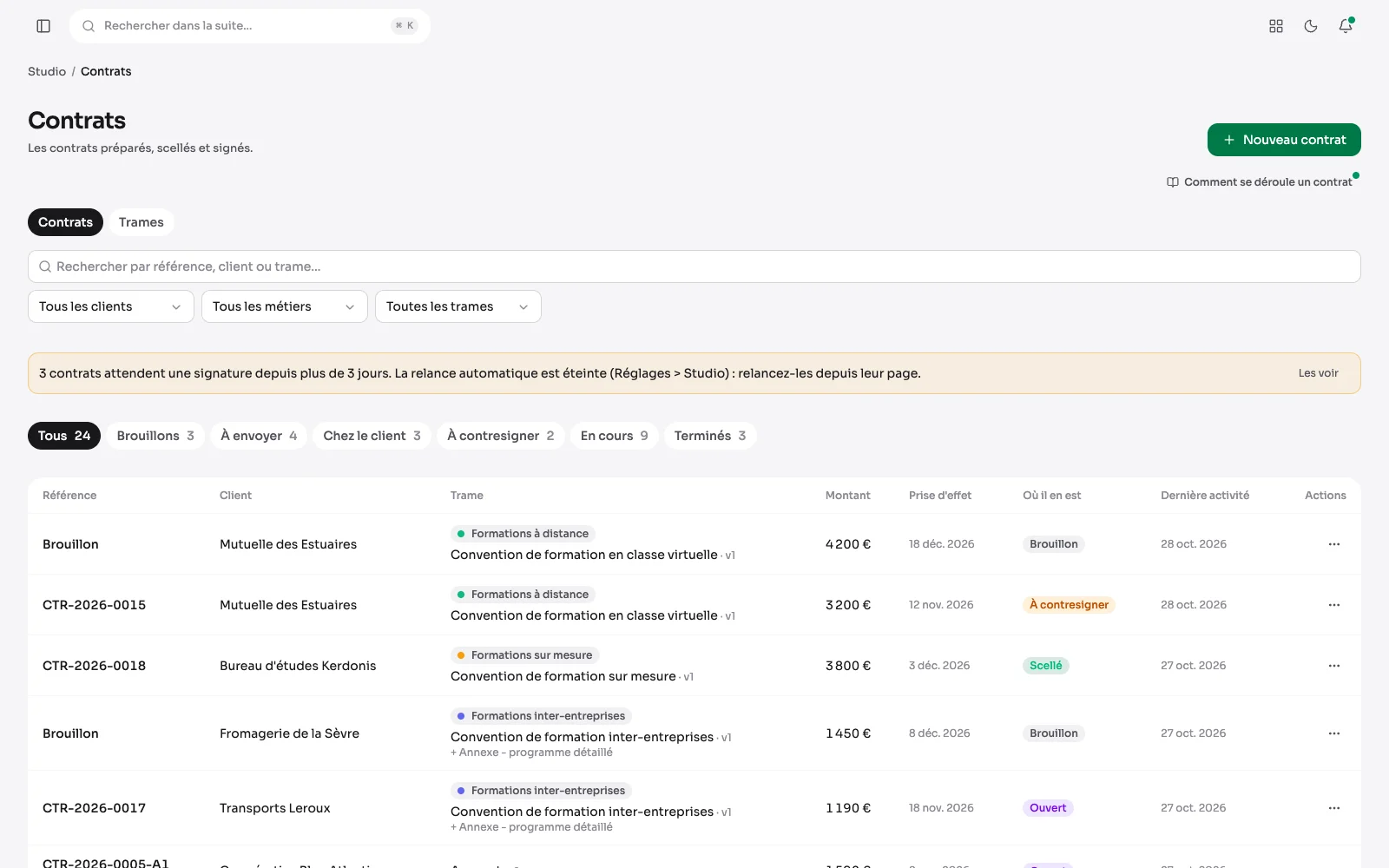
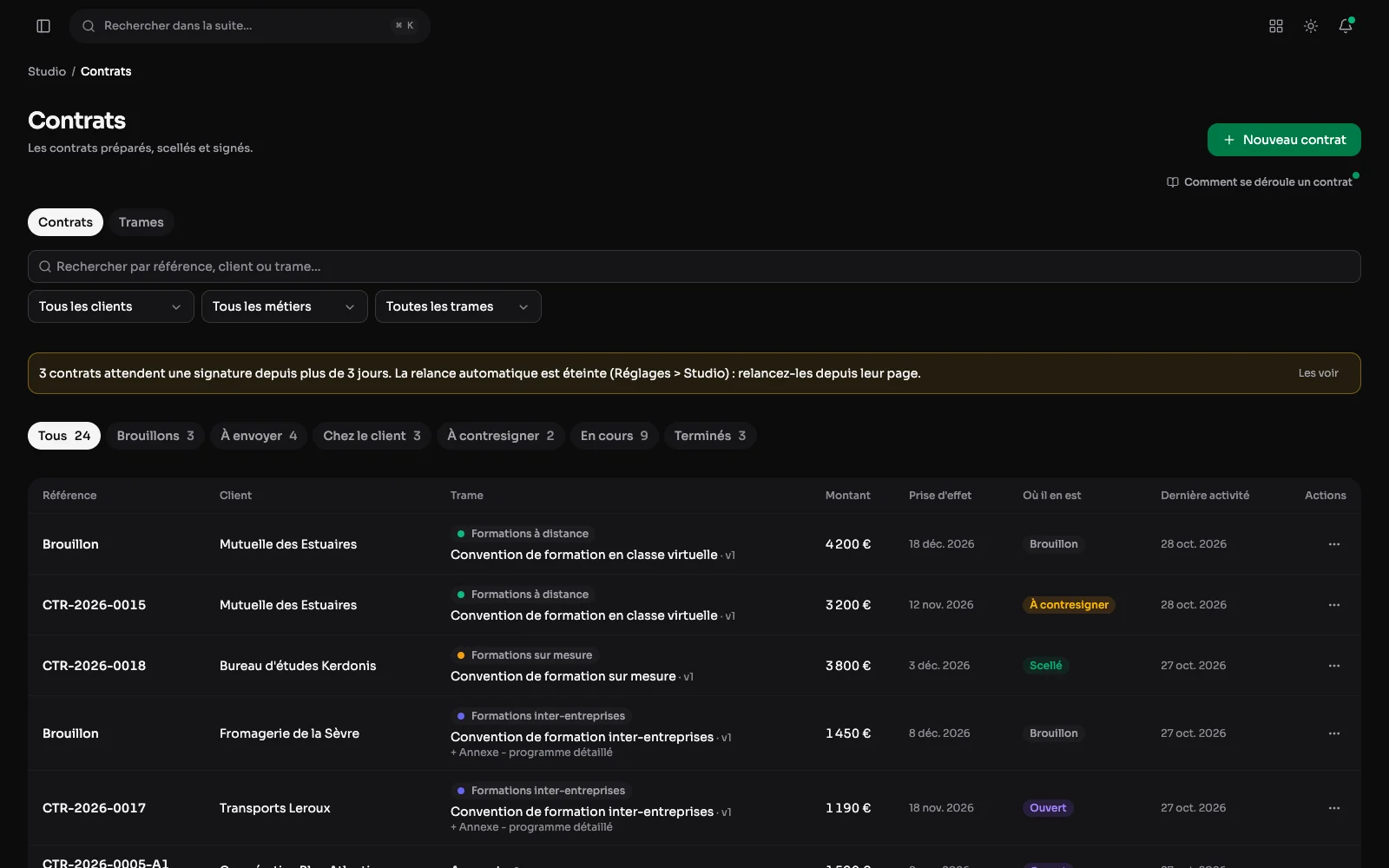
Contracts by client and template, with their amount, start date and state (draft, sent, signed, revoked). Pending reminders are flagged at the top.
Customers: one page per customer
The customer list shows their legal identity and how many contracts each has. Each customer has a page, the only place its record is written, and that is where the contract reads its particulars.
The record: the whole customer in one form
Legal name, legal form, share capital, registered office, SIRET and SIREN, VAT number, representative and their role, contact details, links and notes, in a single form. On the right, what surrounds it: its contracts and their status, its deliverables, its spaces.
Creating a client
A prospect or a client, then their legal identity: company name, legal form, sector, share capital, registered office, SIRET, SIREN, RCS and EU VAT number. The SIRET check digit is verified as it is typed; a prospect is completed when it becomes a client.
Prospects: a board by stage
The Prospects tab can also be read in columns: New, Contacted, Proposal sent, Won, Lost. Drag a card from one stage to the next; dropping it on “Won” converts it into a client, on “Lost” asks why. Each column totals its estimated values, and stages are renamed or added from the board.
Follow-ups: nothing slips through
A follow-up date, and a line saying what it is about. On the morning, a notification goes out; the “Follow-ups due” tab gathers today's and the late ones, and a pill counts them beside the customers entry in the menu.
A prospect's follow-up: stage, value, history
On their page, the stage changes in one click, next to the next follow-up, the estimated value and where they came from. The history keeps every call, email and meeting, and logging an exchange suggests the next follow-up; the client never sees it. An answer to a website form becomes a prospect with one button, its message at the top of the history.
How long a deal stays on the board
Won and lost deals stay in their columns for the time set in Settings > Studio, 30 days by default. Older ones leave the board but stay in the list. Just below, “Morning email of follow-ups” also mails the list of prospects to follow up every morning, off by default.
Templates: the wording, written once
A tab of the contracts screen, where templates are sorted into categories created on screen, each with its version in force, its draft and its languages. “Edit the wording” opens a draft, and a published version cannot be edited: two years later, you know which text was signed. A template a contract already uses can only be archived.
The preview: where each value comes from
A template is a body, its annexes, and tokens filled in at creation: the customer's name, their office, mine, the dates, the amounts. The preview colours each value by its source: invented example, real information or field to fill in. A line whose tokens all come back empty is left out: no bare “RCS:” for a sole trader.
A contract: the next step first
The list files contracts by step: drafts, to send, with the customer, to countersign, running, ended. Each contract has a screen that puts the next step first, with the sealed document, its details and its signatures. It is born from a template version and keeps a copy of it: editing the template afterwards does not rewrite what has already gone out. It can also start from a blank page, its text written for it alone.
Adapted wording: a clause for this customer
A contract can adapt its template's wording for its customer, without creating a new template. That wording is edited in the contract itself, with the original template named and each difference flagged. It follows the same rules as a template, and it is what gets sealed.
Creating a contract
A client, a contract body or a blank page with no template, an annex if needed, an amount, a start date and a language. The template then asks for its extra fields, such as the term or the plan.
Your identity in contracts
The trading name, the representative, the address, the SIRET, the APE code, the VAT statement and the bank details: written once in the settings, printed in every contract.
What the signature guarantees
- The contract is sealed before it leaves: a SHA-256 fingerprint over its text, checked every morning together with its signatures and its signed PDF, and an email alert if anything has moved.
- One link per contract, sent by email and valid for thirty days by default, a setting that every screen quotes, opened with a one-time code received at the same address.
- Signing records the date, the IP address, the browser and the name the signer typed; so does the countersignature, ticked consent included.
- Refusal is provided for as much as agreement: its reason, its date, and a fresh send if the customer changes their mind.
- Automatic reminders for a contract left unanswered, with a cap that stops them, and a button to remind by hand.
- A contract sealed by mistake is cancelled, with a draft copy to correct it: its reference stays and the numbering has no gap.
- An amendment is a contract pointing at the one it changes, with a reference of its own, even during a notice period: the signed contract is never rewritten.
- A termination carries two dates, the day it is served and the day it takes effect, because a notice period is exactly the gap between them.
- A retention period that is a setting, ten years by default, with a five-year floor no setting can go under, and a command that says what is still under that obligation.
- The signer sees none of this: one page, the wording, a name to type, and what is being collected written out plainly. This is the module that holds my own contracts.