
A publication moves through states, and each one earns its place. None of them relies on care: the mechanism prevents an early release, not your attention.
Every post, and its status
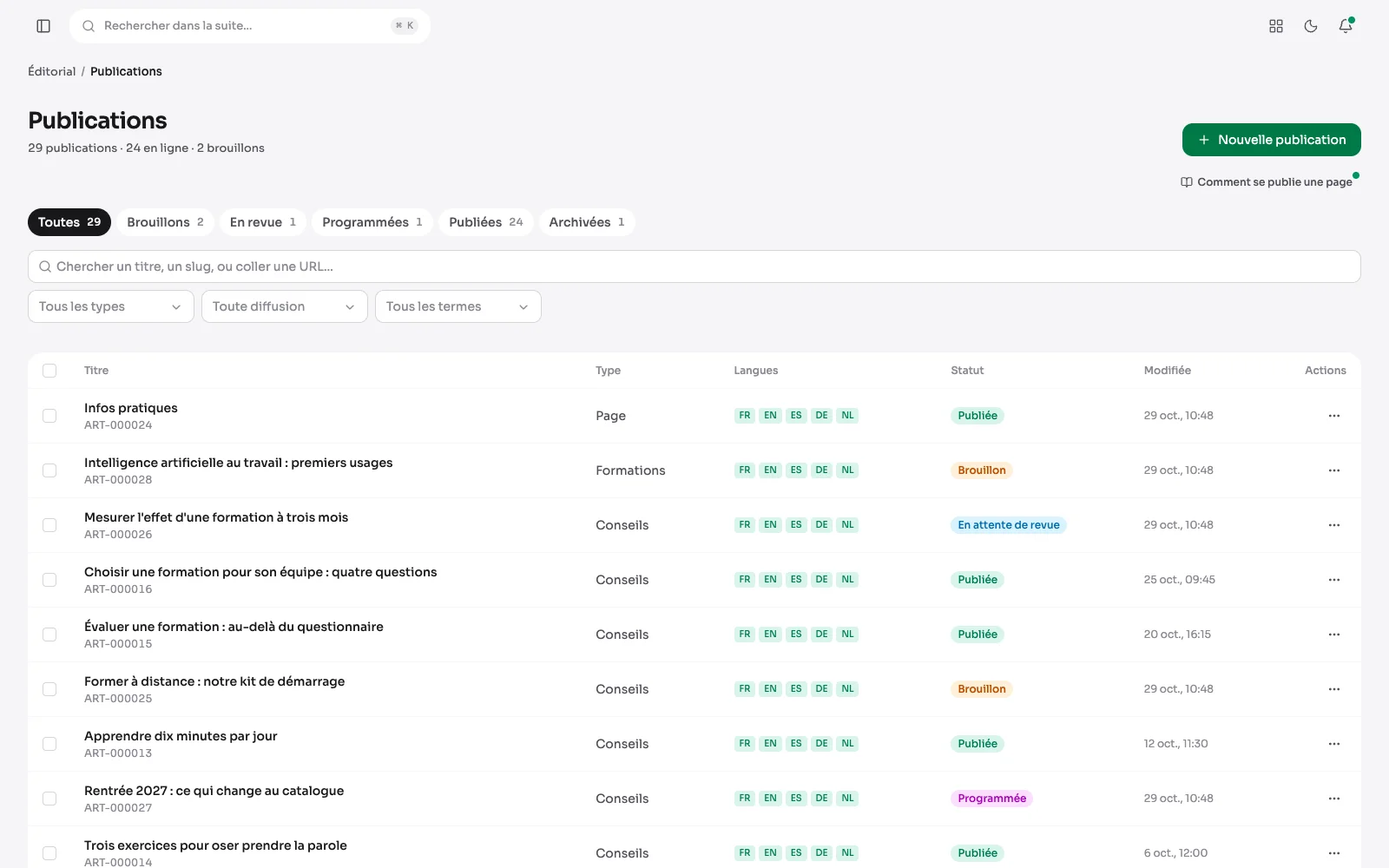
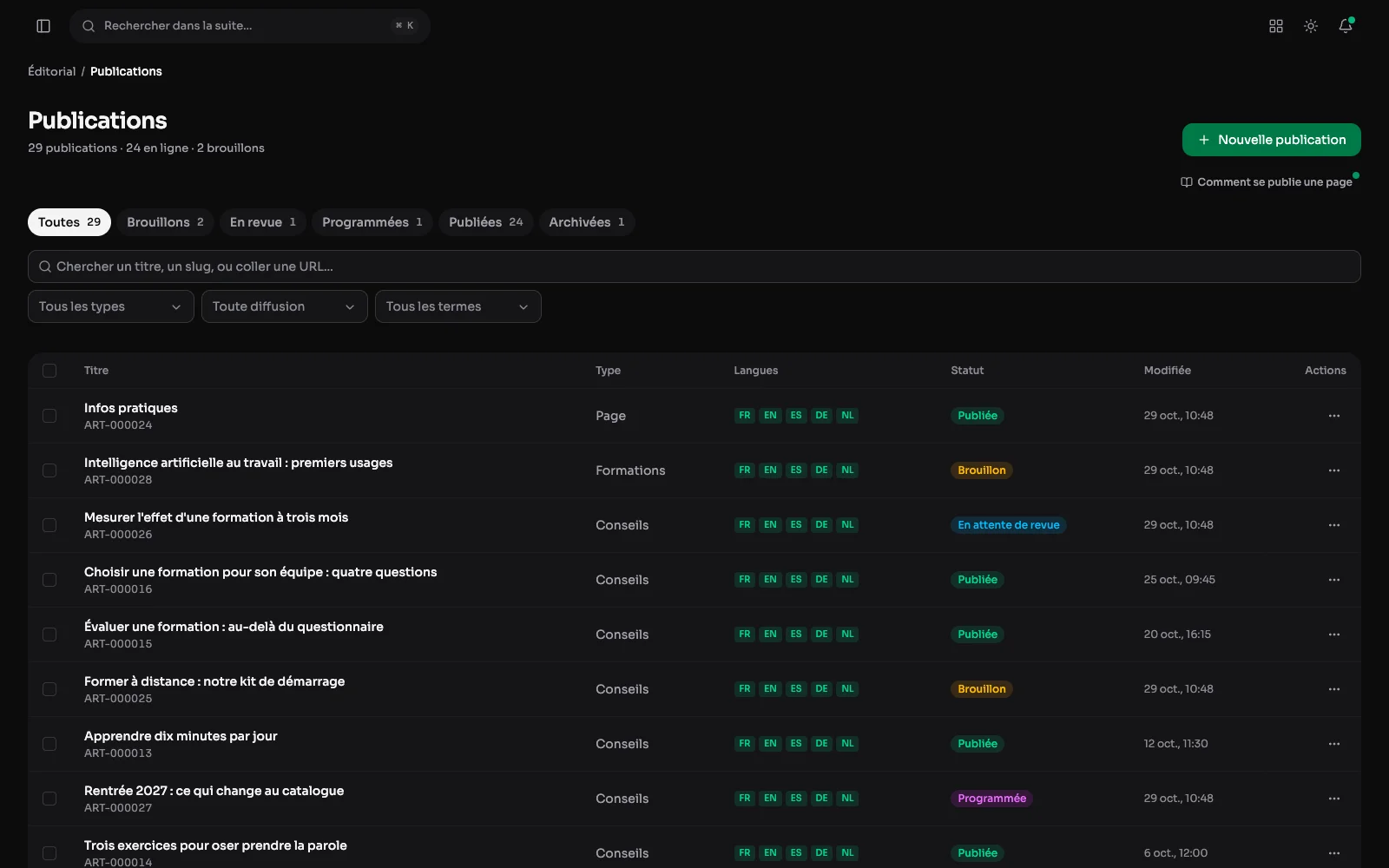
The post list: type, languages and status (draft, in review, scheduled, published, archived), with tabs to filter and a search by title or link.
A publication's cycle
The settings: status, address and dates
Draft, awaiting review, scheduled, published, archived: the status is set here and read in the list. A go-live date, and an unpublish date for what should not stay. A renamed publication keeps answering at its old address.
The menu: preview, duplicate
A publication's menu edits it, previews it, duplicates it as a draft or moves it to the trash. The preview shows the page as it will be, without publishing it. Duplicating creates an identical draft to rework: a page that works becomes the template for the next one.
Several publications in one go
Ticked in the list, several publications are published, sent back to draft or moved to the trash in one go. The list filters by type, language and status, and searches by title.
Review: approve or send back
A publication sent for review waits for someone allowed to publish. They open it, and the Actions menu offers two answers: approve and publish, or send it back to the author with written feedback, who finds it as a draft again.
Going back
The version history
Every save is kept, dated and signed. Before restoring an older version, you compare it against the current one to see exactly what has changed.
The trash: deleting does not erase straight away
The trash is shared by every module: what is deleted waits there thirty days and is restored in one click. A linked publication moved to the trash is flagged in the editor, so it is not shown by mistake.
Two people on the same publication
If someone saved the publication while you were editing it, your save stops and says so: reload to see their version, or overwrite it with yours. Nothing disappears without someone choosing it.
Showing a publication to someone
One reading link per recipient
A publication's “Reading links” window creates one link per recipient, with its label, its expiry and its optional password. It also counts how many times each link was opened.
What the recipient opens
Opened by its reading link, the publication shows without the site's menu, prepared for the client. Here, a press kit with its key figures.
A draft's preview
A draft is previewed from its row: the page as it will be once published, at an address that opens without an account. Enough to have it proofread before it goes live.
At the foot of every publication
- Its taxonomy terms, useful links (the site's or its own) and a share block composed link by link.