
A contact or quote form is built in the suite, question by question, without touching code or wiring up an outside service.
A form's questions
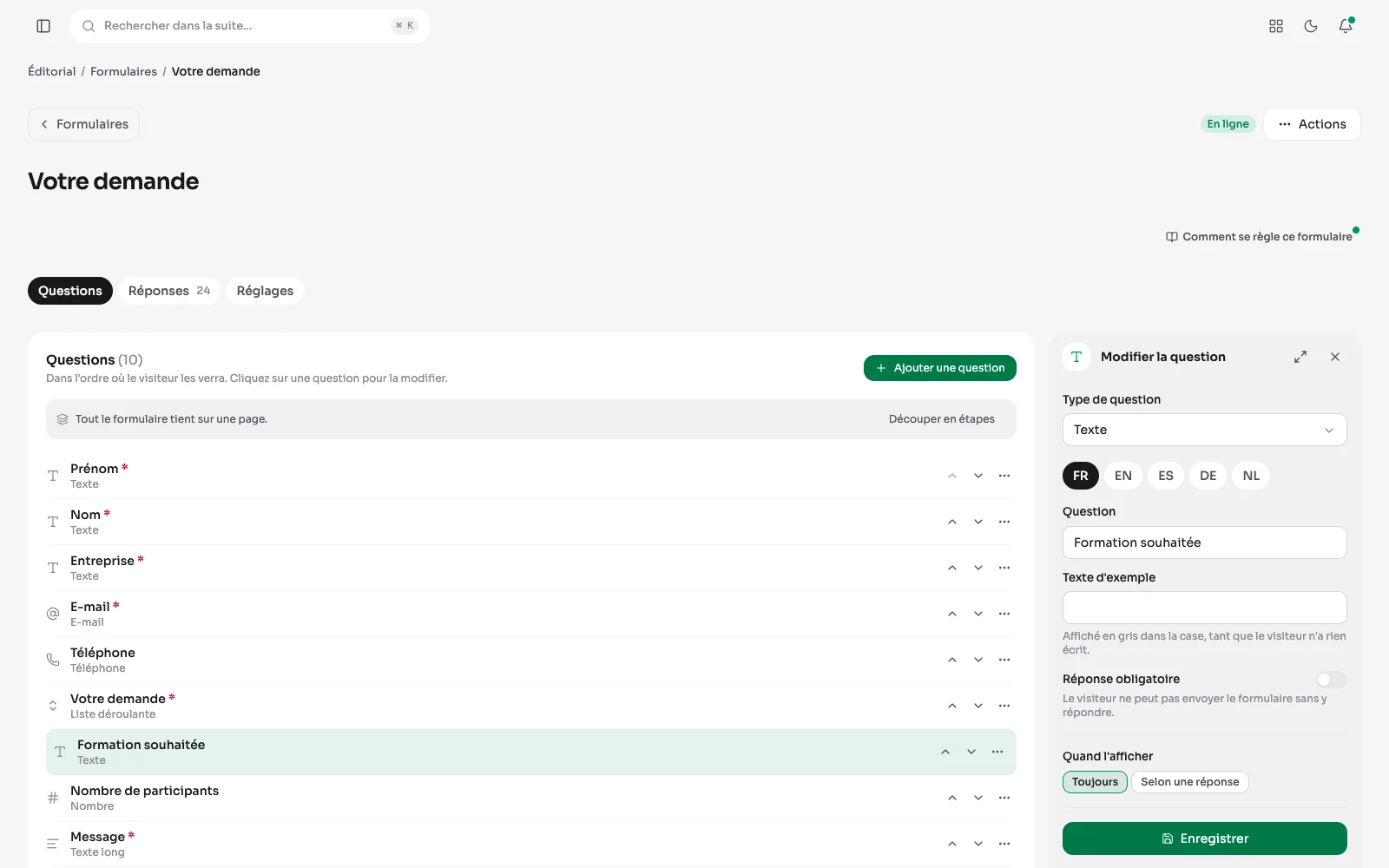
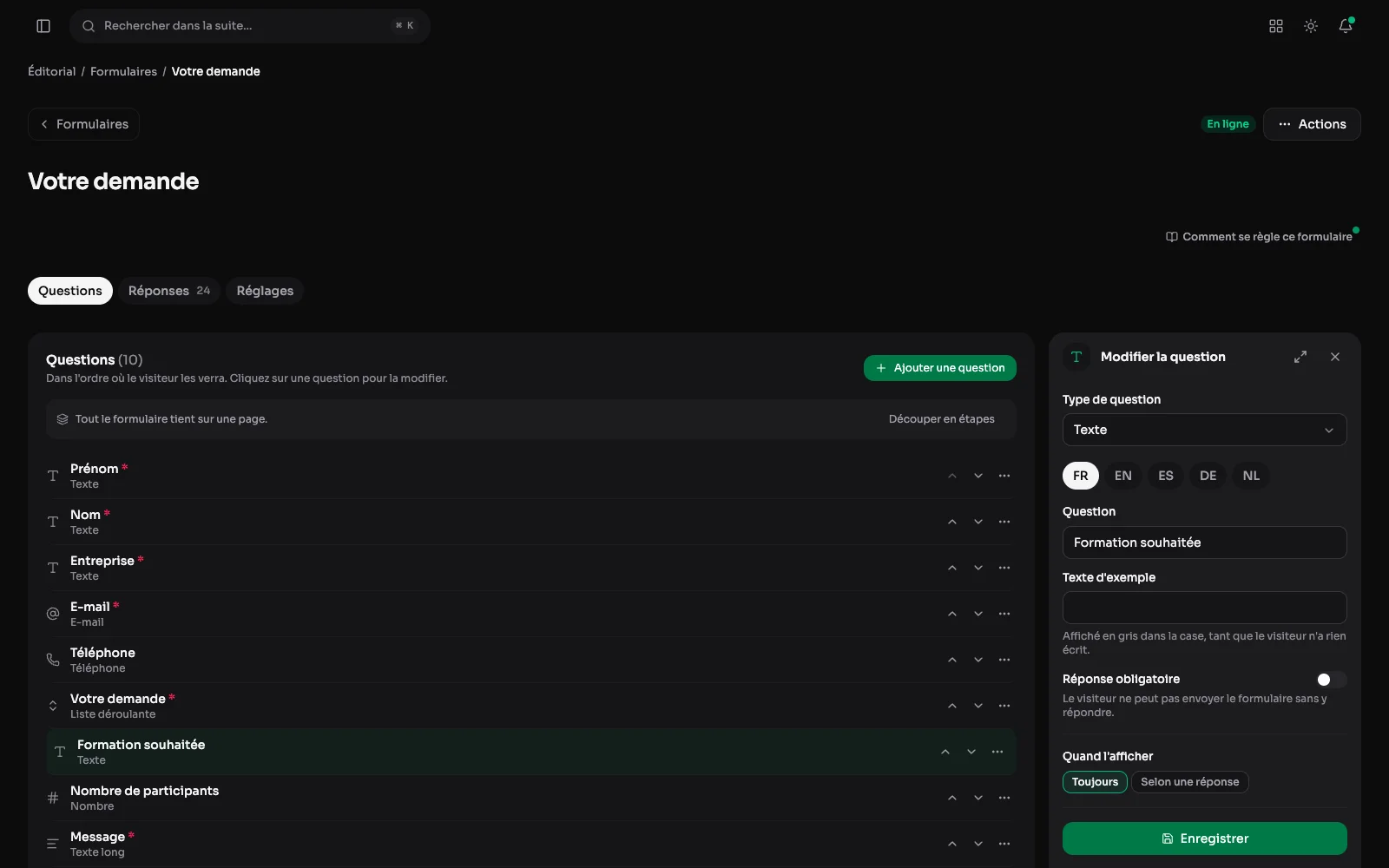
A form in steps, its questions in order, and the panel of the open question: its type, its text in each language, its choices and whether it is required. Until it is saved, moving to another question first asks whether to drop the change.
The list: every form at a glance
All forms in one list: online or not, their number of questions, how many answers, and the date of the last one. Each form gets its own page, or sits inside an existing one.
Creating one: a title and a starting point
A new form asks for a title and a starting point: blank, contact, quote request or event registration. The templates come with their questions already written in every language.
Submissions: read and exported
Every submission triggers a notification email, and the submission is kept in the suite. That is where you read everything a form has received, and export it as CSV.
The poll: one vote per reader
A question, its answers, and the results shown after voting or straight away, as you choose: here, each answer's share and the number of votes. Each reader is recognised by a fingerprint of their address and browser, computed with a secret key and never stored in clear.
The visitor's side: the form filled in
The same form on the site, as the visitor fills it in: the questions in order, the required ones marked with an asterisk, the dropdown list and the box to accept the privacy policy. On sending, the notification email goes out and the request lands in the back office.
A question that depends on an answer
A question can appear only after a given answer: here, the number of participants, only for an in-house course. The preview alongside shows the form as the visitor will fill it in.
A form's settings
Its title and description in each language, its address, whether it is online, its indexing, and what follows each submission: an email notification, the answer passed on to another tool or a CRM.
The newsletter, connected to Brevo
The client's account, their list, their privacy policy page, picked among the site's pages and linked in the visitor's language, and email confirmation, with a step-by-step guide to each Brevo screen. Once set, the sign-up zone can go on any page; until then, it does not show.
Nine question types
“Add a question” offers nine types: text, email, long text, drop-down list, checkboxes, radio buttons, number, date and phone. Each one says in a line what it expects from the visitor.
Questions, submissions and the newsletter
- Several steps, named where they sit, when the form is long.
- A live preview while you build it: the form as the visitor will see it, updated with every keystroke.
- Labels and messages are translated like everything else: one form, as many languages as the site.
- A bot check (Turnstile or reCAPTCHA), and a limit on submissions per address.
- Each submission also pushed to a webhook, to pass it on to another tool.
- Online appointments have their own page: bookings.